Skip to content
Project Desk

Project Desk

  • All Articles
  • App
  • Coding
  • Hardware
  • More
    • Operating System
    • Outlook
    • PowerPoint
    • Review
    • Software
    • Tip & Trick
    • Troubleshooting
    • Windows

PowerPoint

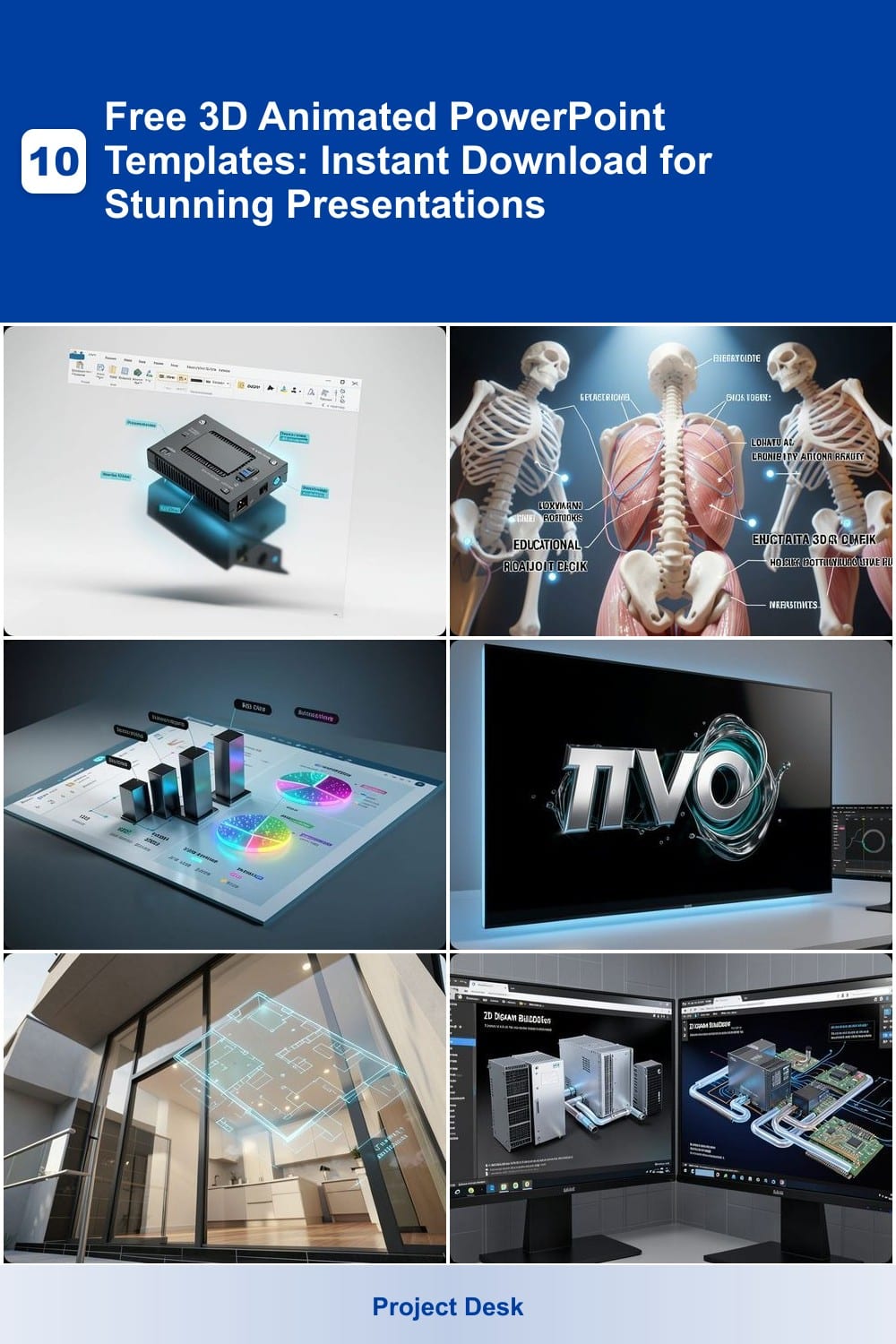
10 Free 3D Animated PowerPoint Templates: Instant Download for Stunning Presentations
October 13, 2026 by Colleen Radcliffe
10 Free 3D Animated PowerPoint Templates: Instant Download for Stunning Presentations

Elevate your presentations with these 10 free 3D animated PowerPoint templates that require no design skills. Perfect for business professionals, educators, and creatives seeking high-impact visuals without the cost of…


Read more

Categories PowerPoint

How to Apply a Template to an Existing Powerpoint: Step-by-Step Visual Guide for Quick Mastery

October 15, 2026 by Colleen Radcliffe
How to Apply a Template to an Existing Powerpoint: Step-by-Step Visual Guide for Quick Mastery

Applying a template to your existing PowerPoint can refresh your presentation in minutes—without losing a single slide. 💡 I’ve helped dozens of clients transform outdated decks into polished, professional designs while…

Read more

Categories PowerPoint

PowerPoint for iPad: Step-by-Step Download and Setup Guide

October 8, 2026 by Colleen Radcliffe
PowerPoint for iPad: Step-by-Step Download and Setup Guide

Downloading PowerPoint on your iPad is simpler than you’d think—whether you want the free version or the full Office suite. 💻 I’ve walked through this process on every iPad model since the first iPad Air, and the steps…

Read more

Categories PowerPoint

How to Insert Table of Contents in Powerpoint: Step-by-Step Visual Guide for Professional Slides

October 13, 2026 by Colleen Radcliffe
How to Insert Table of Contents in Powerpoint: Step-by-Step Visual Guide for Professional Slides

Learning how to insert a table of contents in PowerPoint used to baffle me until I discovered the feature—it instantly turned my messy slides into a sleek, organized masterpiece in minutes. 💡 The secret lies in…

Read more

Categories PowerPoint

How to Install Powerpoint from Office 365: Direct Offline Setup for Full-Feature Access

October 11, 2026 by Colleen Radcliffe
How to Install Powerpoint from Office 365: Direct Offline Setup for Full-Feature Access

To install PowerPoint from Office 365, you’ll need just your subscription and 10 minutes —no fluff, no hidden steps. I’ve walked through this process myself on everything from a 2015 MacBook to a fresh Windows 11…

Read more

Categories PowerPoint

How to Make a Picture Transparent in PowerPoint 2010: Instant Clarity With 3 Simple Clicks

October 9, 2026 by Colleen Radcliffe
How to Make a Picture Transparent in PowerPoint 2010: Instant Clarity With 3 Simple Clicks

Making a picture transparent in PowerPoint 2010 is simpler than you'd think—just three clicks separate you from crisp, layered visuals. ⚡ I remember struggling with this in my uncle’s basement workshop back in 1998, when…

Read more

Categories PowerPoint

List of Transition Effects in Powerpoint: Smooth Slideshows That Wow Any Audience

October 16, 2026 by Colleen Radcliffe
List of Transition Effects in Powerpoint: Smooth Slideshows That Wow Any Audience

Want to elevate your PowerPoint presentations with polished, professional transitions? These seven transition effects will transform your slideshows from basic to breathtaking, ensuring your audience stays engaged and…

Read more

Categories PowerPoint

Microsoft Clip Art Images Free Download: Microsoft’s Official Library with 100+ Categories

October 12, 2026 by Colleen Radcliffe
Microsoft Clip Art Images Free Download: Microsoft’s Official Library with 100+ Categories

You can easily download Microsoft clip art images free to enhance your presentations, documents, and projects with crisp, watermark-free visuals—no subscriptions required. Struggling to find the right graphic for your…

Read more

Categories PowerPoint

10 Microsoft Office PPT Templates: Professionally Designed Free Downloads for Any Presentation

October 11, 2026 by Colleen Radcliffe
10 Microsoft Office PPT Templates: Professionally Designed Free Downloads for Any Presentation

Need eye-catching PowerPoint templates that won’t break the bank? These 10 professionally designed Microsoft Office PPT templates are completely free to download and cover everything from business pitches to creative…

Read more

Categories PowerPoint

10 Microsoft Office Tri Fold Brochure Templates: Download Ready-to-Edit Designs for Professionals

November 6, 2026 by Colleen Radcliffe
10 Microsoft Office Tri Fold Brochure Templates: Download Ready-to-Edit Designs for Professionals

Need professional tri-fold brochures that impress clients but don’t require design skills? These 10 Microsoft Office-compatible templates let you create polished marketing materials in minutes—no PowerPoint or Canva…

Read more

Categories PowerPoint
Page1Page2Next →

About Me

Colleen Radcliffe

Colleen Radcliffe
I still remember the first time my dad let me disassemble his old desktop computer when I was 12—it was chaos, but that moment sparked a lifelong fascination with how machines work. Now, I run Project Desk to break down tech in a way that’s practical, honest, and free from jargon. Whether it’s troubleshooting a stubborn PC or reviewing the latest gadget, I’m here to make tech less intimidating for everyone.

Learn more

Recent Posts

  • Bluetooth Drivers Download for Windows 8: Instant Fix for Stubborn Connection Issues
    Bluetooth Drivers Download for Windows 8: Instant Fix for Stubborn Connection Issues
  • PowerPoint for iPad: Step-by-Step Download and Setup Guide
    PowerPoint for iPad: Step-by-Step Download and Setup Guide
  • How to Download Video From Stream: Instant Save Without Buffering or Watermarks
    How to Download Video From Stream: Instant Save Without Buffering or Watermarks
  • Microsoft Support and Recovery Assistant Download: Legacy System Compatibility Fixes
    Microsoft Support and Recovery Assistant Download: Legacy System Compatibility Fixes
  • Quick Assist Download for Windows 10: Instant Tech Support Without Sync Delays
    Quick Assist Download for Windows 10: Instant Tech Support Without Sync Delays
  • All Guides
  • About
  • Contact
  • Privacy Policy
  • Cookie Policy
  • Terms of Use
© 2026 projectdesk.work