Skip to content
Project Desk

Project Desk

  • All Articles
  • App
  • Coding
  • Hardware
  • More
    • Operating System
    • Outlook
    • PowerPoint
    • Review
    • Software
    • Tip & Trick
    • Troubleshooting
    • Windows

Outlook

Download Teams Add-In for Outlook: Seamless Integration in 3 Clicks

October 9, 2026 by Colleen Radcliffe
Download Teams Add-In for Outlook: Seamless Integration in 3 Clicks

To transform your email into a collaboration hub, start by downloading the Teams add-in for Outlook , then install it in under 3 minutes—just like I’ve done across every Outlook version since 2019. ✨ waste hours chasing…

Read more

Categories Outlook

How to Automatically Download Outlook Pictures: Instant Rule-Based Image Saver

October 13, 2026 by Colleen Radcliffe
How to Automatically Download Outlook Pictures: Instant Rule-Based Image Saver

Automatically downloading pictures in Outlook cuts hours of manual saving every month. ✨ I spent weeks dragging images from emails to folders before discovering these three foolproof methods—each one works differently…

Read more

Categories Outlook

How to Download All Attachments in Outlook: One-Click Export for Every Email

November 18, 2026 by Colleen Radcliffe
How to Download All Attachments in Outlook: One-Click Export for Every Email

Downloading all email attachments in Outlook used to mean clicking through hundreds of messages—until I found this one-click trick that saves hours. ✨ Back when I helped that bakery owner recover lost data, we spent days…

Read more

Categories Outlook

How to Set Up a Meeting in Outlook: Quick Step-by-Step Guide for Busy Professionals

November 18, 2026 by Colleen Radcliffe
How to Set Up a Meeting in Outlook: Quick Step-by-Step Guide for Busy Professionals

Setting up a meeting in Outlook takes less than two minutes once you know the shortcuts. ✨ I’ve scheduled hundreds of meetings across desktop, web, and mobile versions—this method works every time without the usual…

Read more

Categories Outlook

How to Set Up Teams Meeting in Outlook: Quick Sync With Calendar Integration

November 18, 2026 by Colleen Radcliffe
How to Set Up Teams Meeting in Outlook: Quick Sync With Calendar Integration

Setting up a Teams meeting in Outlook can save you 10 minutes every time you schedule one—once you know the right shortcuts. I still remember the first time I tried this after years of juggling separate calendar and…

Read more

Categories Outlook

How to Set Up Delegates in Outlook 2010: Step-by-Step Email Forwarding Control

October 13, 2026 by Colleen Radcliffe
How to Set Up Delegates in Outlook 2010: Step-by-Step Email Forwarding Control

Setting up delegates in Outlook 2010 lets you share your inbox control without sharing your password. ✨ I remember helping Dad configure email forwarding for his scrapyard team back in Pittsburgh—his frustration with…

Read more

Categories Outlook

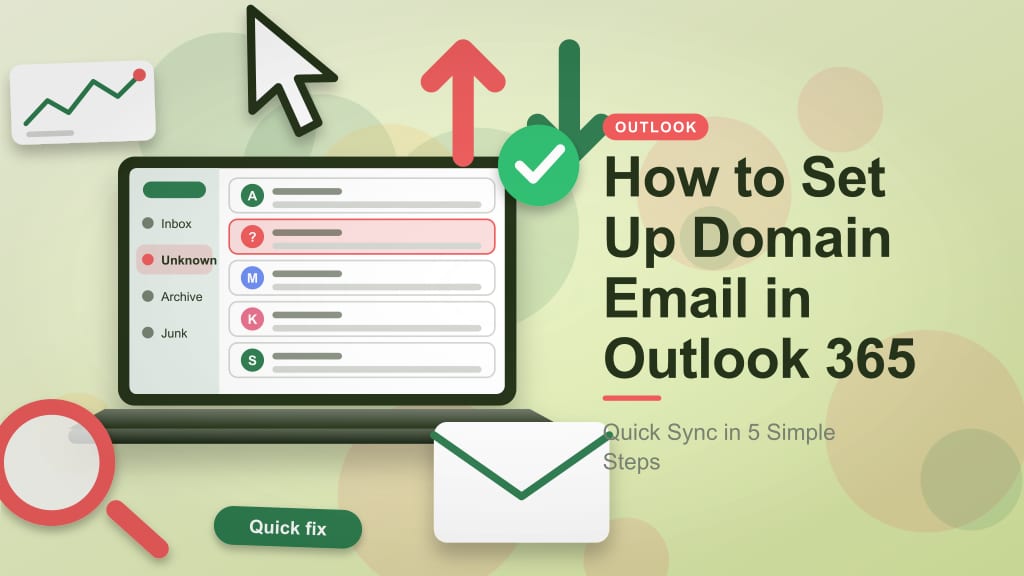
How to Set Up Domain Email in Outlook 365: Quick Sync in 5 Simple Steps

November 17, 2026 by Colleen Radcliffe
How to Set Up Domain Email in Outlook 365: Quick Sync in 5 Simple Steps

Setting up domain email in Outlook 365 finally gives you a professional inbox that matches your website. ✨ I’ve helped dozens of small business owners and freelancers transition from jumbled personal accounts to a…

Read more

Categories Outlook

How to Set Up Outlook Email: Zero-Error Account Sync in 10 Minutes

October 15, 2026 by Colleen Radcliffe
How to Set Up Outlook Email: Zero-Error Account Sync in 10 Minutes

Setting up Outlook email used to feel like navigating a minefield of server settings and authentication prompts. ✨ But after helping hundreds of users—from my grandmother’s Windows 95 days to small business owners—this…

Read more

Categories Outlook

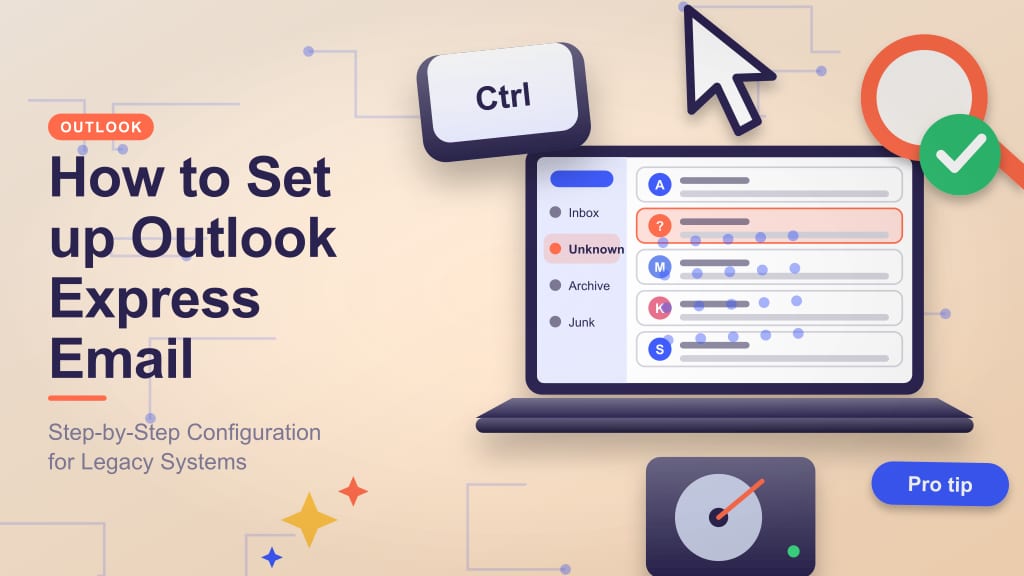
How to Set up Outlook Express Email: Step-by-Step Configuration for Legacy Systems

November 17, 2026 by Colleen Radcliffe
How to Set up Outlook Express Email: Step-by-Step Configuration for Legacy Systems

Setting up Outlook Express email still works today—even on modern systems. ⚡ I’ve helped dozens of users revive this classic client for legacy accounts, and the process is shockingly straightforward once you know the…

Read more

Categories Outlook

How to Set up Outlook on Galaxy Watch 4: Step-by-Step Outlook Sync Made Easy

October 13, 2026 by Colleen Radcliffe
How to Set up Outlook on Galaxy Watch 4: Step-by-Step Outlook Sync Made Easy

Setting up Outlook on your Galaxy Watch 4 is easier than you’d think—⚡ I’ve helped friends with no tech background do it in under 10 minutes. The key is pairing your watch with your phone first, then letting the Wear OS…

Read more

Categories Outlook
Page1Page2Page3Next →

About Me

Colleen Radcliffe

Colleen Radcliffe
I still remember the first time my dad let me disassemble his old desktop computer when I was 12—it was chaos, but that moment sparked a lifelong fascination with how machines work. Now, I run Project Desk to break down tech in a way that’s practical, honest, and free from jargon. Whether it’s troubleshooting a stubborn PC or reviewing the latest gadget, I’m here to make tech less intimidating for everyone.

Learn more

Recent Posts

  • Bluetooth Drivers Download for Windows 8: Instant Fix for Stubborn Connection Issues
    Bluetooth Drivers Download for Windows 8: Instant Fix for Stubborn Connection Issues
  • PowerPoint for iPad: Step-by-Step Download and Setup Guide
    PowerPoint for iPad: Step-by-Step Download and Setup Guide
  • How to Download Video From Stream: Instant Save Without Buffering or Watermarks
    How to Download Video From Stream: Instant Save Without Buffering or Watermarks
  • Microsoft Support and Recovery Assistant Download: Legacy System Compatibility Fixes
    Microsoft Support and Recovery Assistant Download: Legacy System Compatibility Fixes
  • Quick Assist Download for Windows 10: Instant Tech Support Without Sync Delays
    Quick Assist Download for Windows 10: Instant Tech Support Without Sync Delays
  • All Guides
  • About
  • Contact
  • Privacy Policy
  • Cookie Policy
  • Terms of Use
© 2026 projectdesk.work