
Software
Microsoft Teams isn’t just for businesses—it’s a game-changer for educators. Discover how this powerful tool transforms classroom communication, simplifies lesson planning, and fosters deeper student engagement, all while saving teachers time and stress.
Seamless Classroom Communication Hub

Tired of digging through endless email threads to track class updates, parent messages, and meeting notes? Microsoft Teams transforms chaotic communication into a single, organized hub—where chats, announcements, and video calls live side by side in one searchable space.
Create dedicated channels for each class, complete with persistent chat history, pinned announcements, and 1:1 video calls—all accessible from any device. The @mention system ensures critical messages stand out, while file attachments stay linked to conversations (no more "Where did I save that?" panic). With end-to-end encryption, sensitive discussions remain secure, and cross-platform support (Windows, Mac, iOS, Android) keeps everyone connected—whether they're in the classroom or learning remotely.
Ideal for teachers juggling multiple classes or grade levels, this feature cuts down on miscommunication while keeping parents, students, and staff effortlessly aligned. 💻
Real-Time Lesson Collaboration Tools
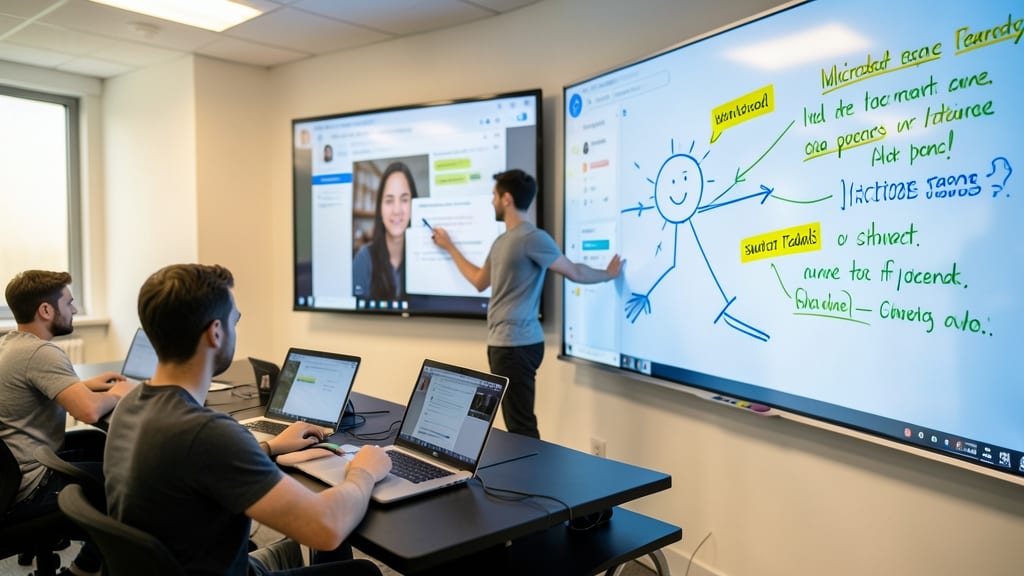
Turn passive lectures into interactive discussions with Microsoft Teams’ real-time collaboration tools, designed to keep students engaged whether they’re in the classroom or learning remotely. The shared whiteboard lets you sketch diagrams, annotate slides, or brainstorm ideas together—perfect for visual learners or brainstorming sessions where every voice matters.
Add instant feedback with live polls and quizzes that adapt to student responses, or split classes into breakout rooms for small-group discussions—all without leaving the app. The integrated timer ensures structured activities, while the reaction buttons (thumbs up/down) let students signal understanding instantly. These tools work seamlessly on any device, so hybrid classrooms stay connected no matter where students log in from.
Ideal for flipped classrooms or project-based learning, this feature transforms traditional lessons into dynamic, student-centered experiences. Teachers of STEM, humanities, or even language arts will find these tools invaluable for sparking participation and deeper learning. 💡
Automated Gradebook Integration

Tired of spending evenings hunched over stacks of papers? Microsoft Teams’ automated gradebook integration turns manual grading into a breeze by syncing seamlessly with Microsoft Forms and OneNote. This means quizzes, assignments, and notes auto-populate into your gradebook, slashing prep time by up to 40%—so you can focus on what matters most: teaching.
The magic happens with real-time syncing between Forms quizzes and OneNote rubrics, eliminating duplicate data entry. You’ll also get customizable grade categories, progress tracking, and even student performance analytics—all without leaving Teams. Plus, the integration works with Excel exports, making it easy to share reports with administrators or parents.
Perfect for teachers drowning in paperwork, this feature is especially valuable for those juggling multiple classes or subject areas. Say goodbye to lost assignments and hello to effortless, accurate grading—all while keeping student data secure. ✨
Secure Student File Sharing
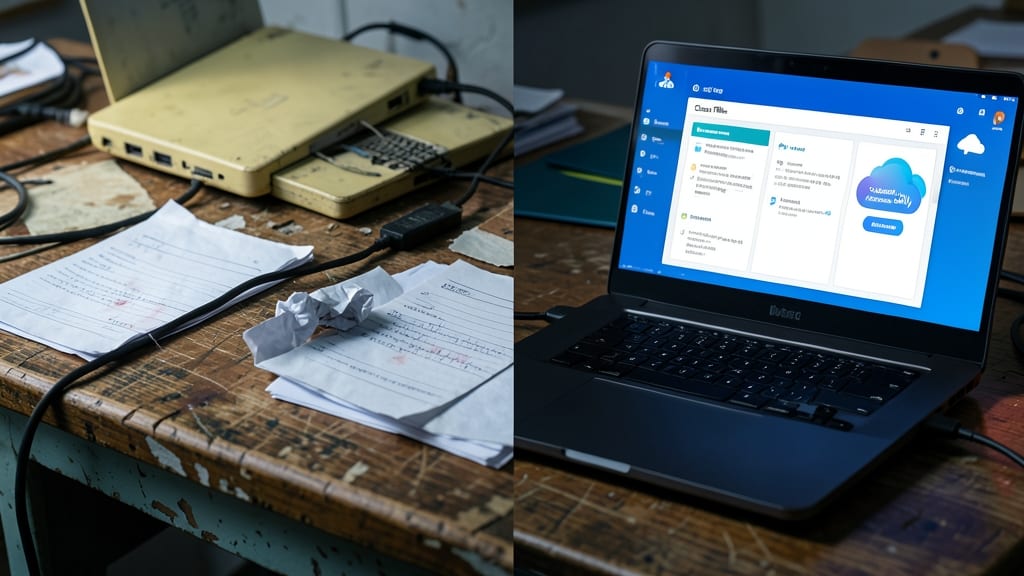
Tired of chasing down missing assignments or worrying about lost USB drives? Microsoft Teams’ cloud-based file storage solves this with granular permission controls, so only enrolled students can access class materials—no more shared folders or physical handouts.
Upload rubrics, worksheets, and feedback directly to the Files tab, where version history tracks changes automatically. Need to restrict access? Simply revoke permissions for individual students or entire classes with a few clicks. The integration with OneDrive and SharePoint ensures files stay organized and backed up, while mobile access lets students submit homework from anywhere—even offline.
This feature is a lifesaver for teachers juggling multiple classes or subject areas, ensuring every student has the right materials without the chaos. 💻
Parent-Teacher Engagement Boost
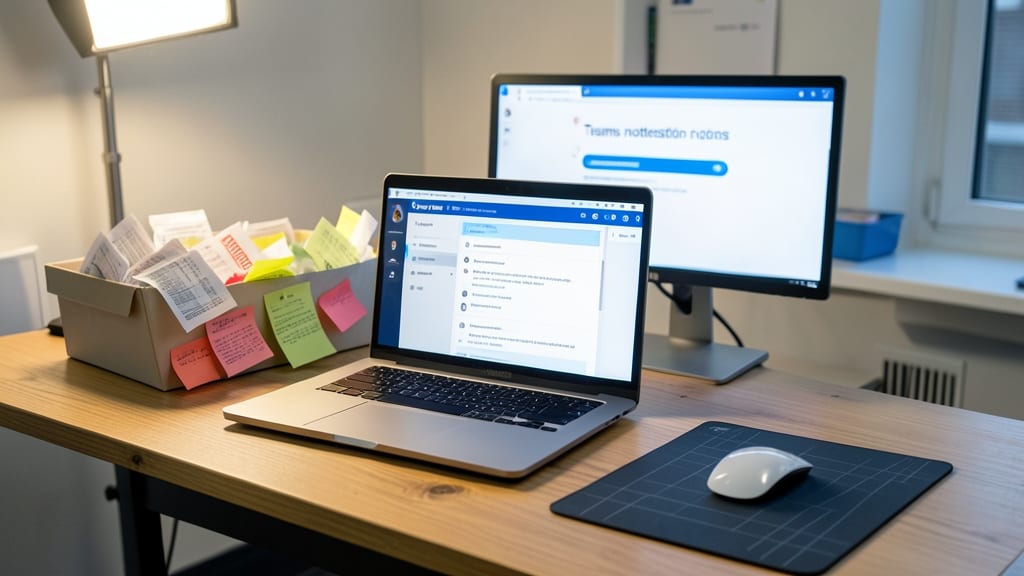
Tired of parent emails burying your inbox while critical updates get lost in the shuffle? Microsoft Teams’ dedicated parent channels solve this by creating organized, opt-in spaces for guardians to receive updates—without the chaos.
Set up a class-specific channel where you can share announcements, homework reminders, and event details in real time. Parents can toggle notifications to avoid overload, while @mentions ensure urgent messages stand out. The Files tab lets you post syllabi, permission slips, and volunteer sign-ups—all in one searchable location.
Perfect for teachers who want transparent communication without the email clutter. Parents appreciate the clarity, and you’ll spend less time chasing down responses. ✨
Built-In Professional Development

Teachers juggling lesson plans and professional growth often struggle to find time for upskilling—but Microsoft Teams eliminates that barrier with built-in training resources. The Microsoft Educator Community and interactive learning modules are designed specifically for educators, helping you master advanced features like classroom analytics and collaborative tools without leaving your workspace.
Dive into self-paced courses covering everything from virtual classroom setup to advanced polling techniques, all accessible directly within Teams. The platform also offers certification pathways through Microsoft’s educator programs, ensuring you stay ahead with zero external costs. These resources are curated by education experts, so you’re learning what actually matters for modern teaching.
Perfect for educators at any stage—whether you're a new teacher needing quick onboarding or a seasoned pro looking to refine your digital toolkit. No need to hunt for external workshops; your growth is already built into the tool you use daily. ✨
Customizable Classroom Templates
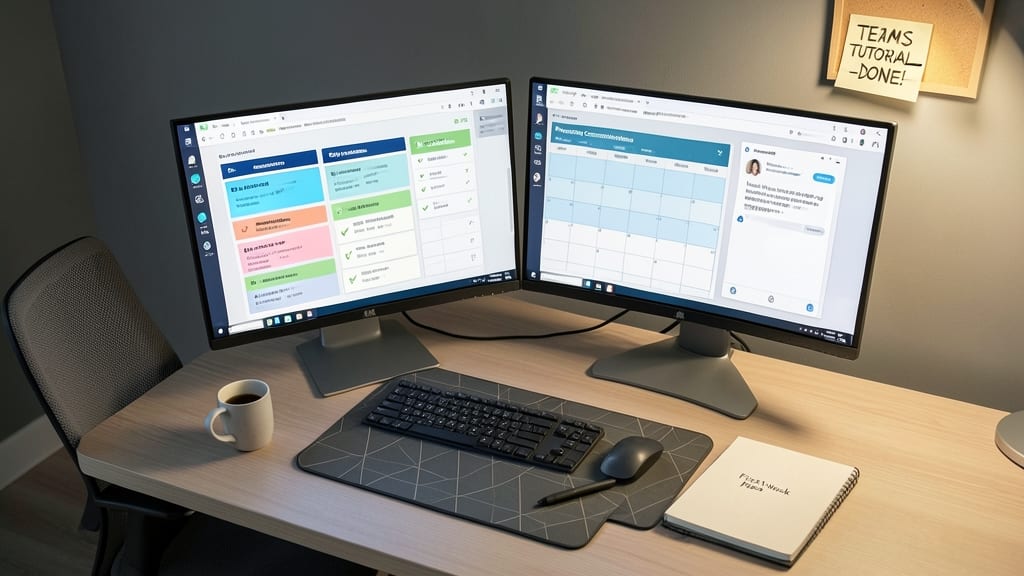
First-year teachers often spend weeks designing syllabi, calendars, and assignment trackers from scratch—until now. Microsoft Teams’ pre-built classroom templates eliminate that stress by offering ready-to-use layouts for lesson plans, grading schedules, and even parent communication portals.
With customizable tabs for assignments, grades, and announcements, you can organize your entire semester in minutes. The templates include automated reminders for deadlines and student progress trackers that sync with Microsoft Forms. Plus, they’re fully editable, so you can tweak colors, add your school’s branding, or adjust layouts to match your teaching style.
Perfect for new educators drowning in paperwork, these templates also save veteran teachers time during back-to-back planning periods. ⚡
Accessibility Features for All Learners
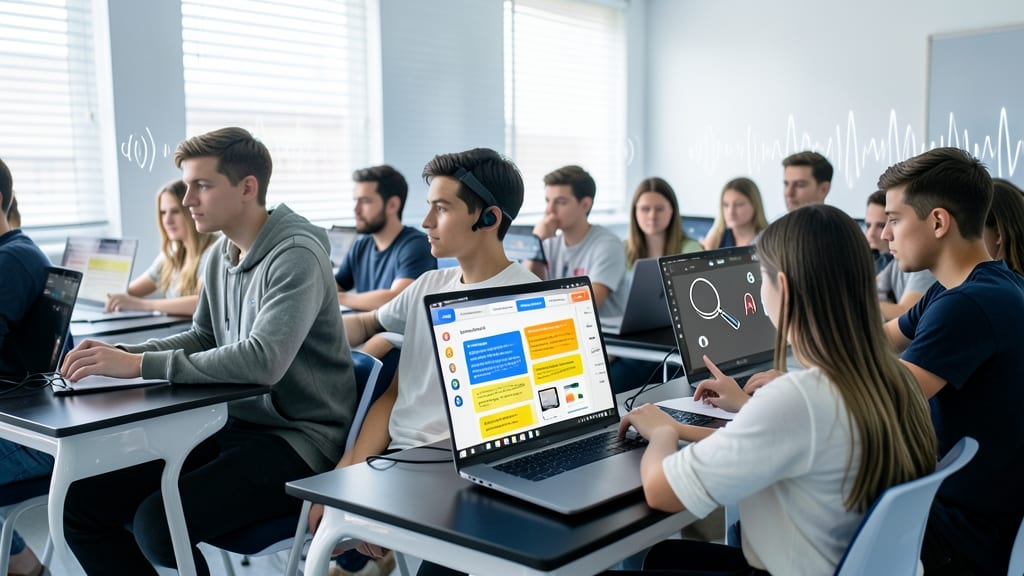
Every student learns differently—and Microsoft Teams makes sure no one gets left behind. With built-in accessibility tools, you can instantly transform lessons to meet diverse needs, from dyslexia support to hearing impairments, without purchasing extra software.
The Immersive Reader feature breaks text into syllables, highlights parts of speech, and offers translation options in over 60 languages—perfect for ELL students or those with reading challenges. Meanwhile, live captions (including speaker attribution) ensure students who are deaf or hard of hearing never miss a word during discussions or recorded lectures. Customizable high-contrast themes and font scaling further reduce eye strain for students with visual impairments.
This is especially valuable for special education teachers, but all educators will appreciate how these tools create a more inclusive classroom environment where every student can thrive. ✨
Offline Mode for Unreliable Connectivity

Teaching shouldn’t hinge on a stable Wi-Fi connection. Microsoft Teams’ offline mode lets you download lessons, assignments, and resources ahead of time—so your lesson plan stays on track even when connectivity drops. Whether you’re in a rural classroom with spotty signals or a mobile teacher on the go, this feature ensures continuity.
With just a few clicks, you can cache entire channels, files, and even recorded meetings for later viewing. The sync-and-go functionality automatically updates content when you’re back online, so no lesson is left behind. Plus, students can access downloaded materials without buffering delays—critical for areas where bandwidth is limited.
This is a lifeline for educators in underserved regions or during unexpected outages. No more scrambling for paper backups or canceled classes—just seamless teaching, no matter the signal. ✨
Integration with Microsoft 365 Suite

Forget static assignments—Teams seamlessly embeds Microsoft Word, Excel, and PowerPoint directly into your classroom workflow. Students can co-author research papers in real-time, analyze data together in shared spreadsheets, or refine presentations with live feedback—all without juggling multiple apps.
The integration is zero-configuration: simply open a file from Teams, and it syncs automatically with the latest version. Features like comment threads in Word and real-time collaboration in PowerPoint turn group projects into dynamic, interactive experiences. No more "final draft" emails or version control headaches—just instant, organized teamwork.
Perfect for project-based learning or cross-curricular collaborations, this feature empowers students to work like professionals while keeping teachers in the loop. 💻