
Software
Microsoft Teams isn’t just for business—it’s revolutionizing education by breaking down communication barriers and boosting student engagement. Discover how this powerful platform transforms classrooms, streamlines workflows, and prepares students for the digital future.
Seamless Virtual Classroom Communication Platform
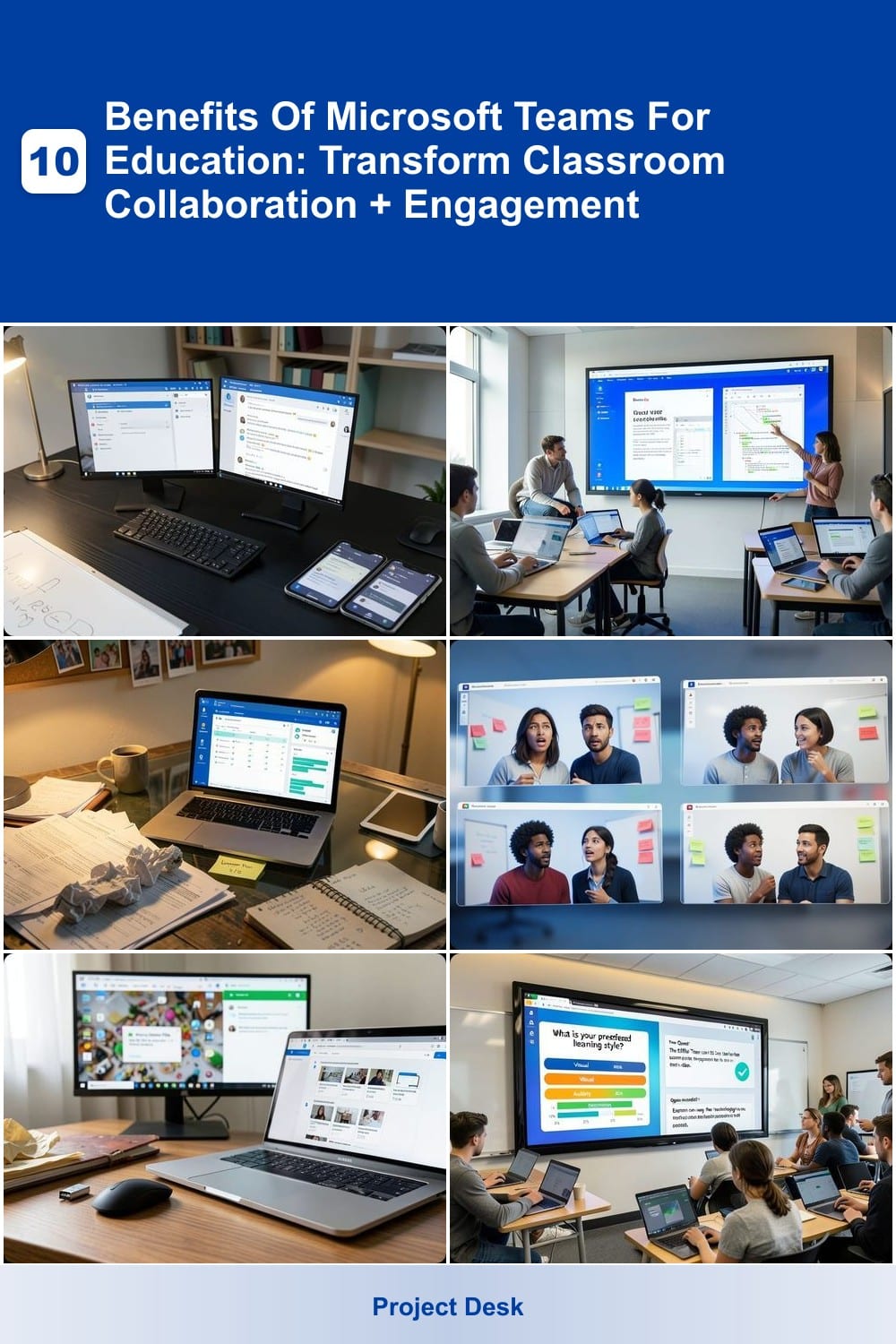
Say goodbye to the chaos of scattered emails, missed messages, and forgotten assignments—Microsoft Teams acts as your all-in-one virtual classroom command center. Instead of juggling Gmail threads, WhatsApp groups, and lost files, everything lives in one secure, organized space where teachers can post announcements, students ask questions, and parents stay updated—all without leaving the platform.
The platform combines unlimited chat threads, high-definition video calls (with up to 1,000 attendees in large meetings), and customizable class channels for subjects, projects, or study groups. Need to share a quick video explanation? Record and pin it to the channel. Organizing a group project? Create a dedicated space with file storage, deadlines, and discussion tabs—all in one place. The @mentions feature ensures no one misses important updates, while read receipts confirm messages are seen.
This is the perfect solution for hybrid classrooms, fully remote schools, or even in-person teachers who want to extend learning beyond the bell. Whether you're a high school teacher managing multiple classes or a college professor leading global discussions, Teams keeps everyone connected—no more "I didn’t get the email" excuses. ⚡
Real-Time Collaboration On Class Assignments
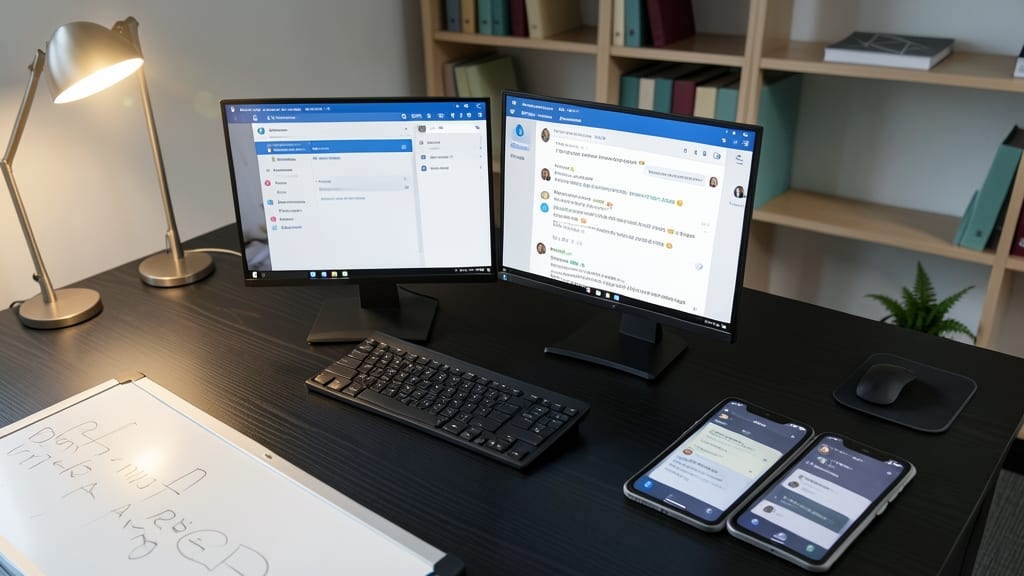
Forget the frustration of tracking down the "final version" of a group project—Microsoft Teams lets students and teachers co-edit documents in real time, whether it’s a PowerPoint presentation, Excel spreadsheet, or Word document. The moment one student adds a slide or corrects a formula, every collaborator sees the update instantly, with color-coded cursors showing who’s making changes.
No more confusing email chains or version control nightmares: the platform integrates seamlessly with Microsoft 365 apps, so comments, suggestions, and edits appear live without leaving the Teams interface. Teachers can even assign roles (like "editor" or "viewer") to streamline peer reviews or group critiques, while the activity feed tracks contributions—great for participation grades. Plus, the commenting tools let educators provide feedback directly on assignments without printing a single sheet.
This is a game-changer for group projects, science labs, or creative writing workshops, where collaboration is key. No more lost files or "I saved it on my phone" excuses—just smooth, visible teamwork that prepares students for real-world collaboration. 💻
Integrated Classroom Management Tools
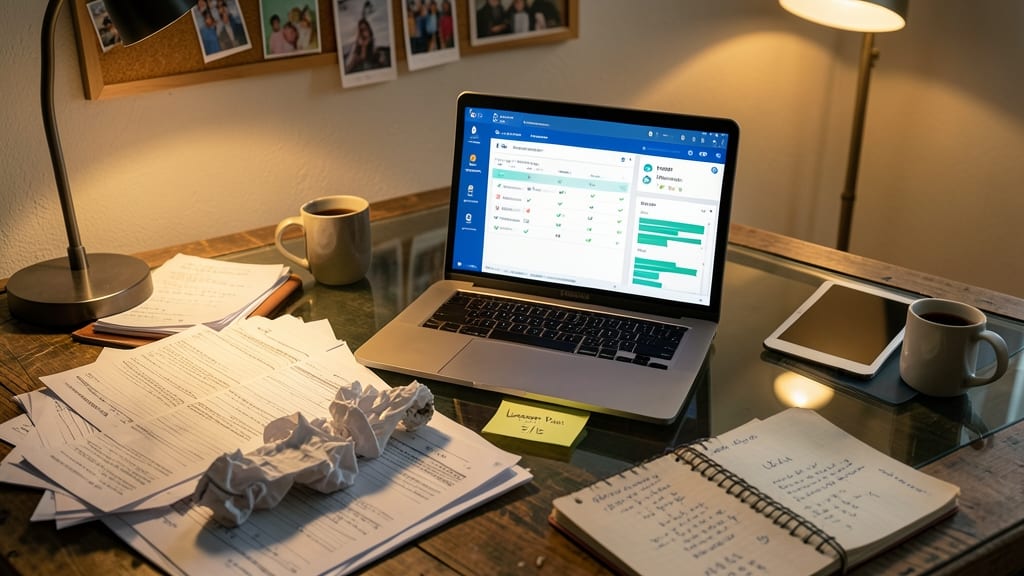
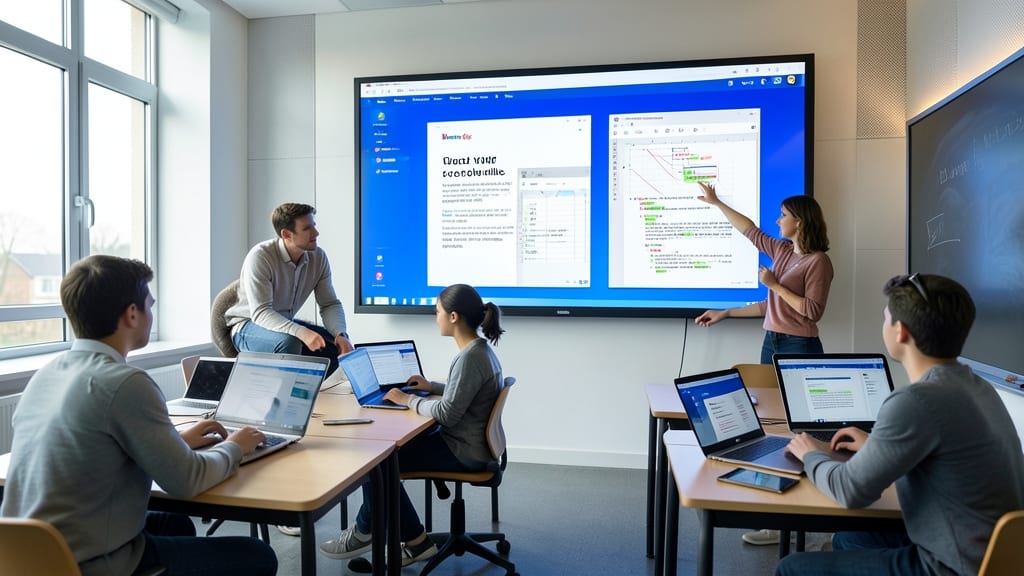
Tired of spending evenings buried in paperwork instead of planning engaging lessons? Microsoft Teams’ built-in classroom management tools turn administrative headaches into streamlined workflows—all within the same platform you’re already using.
Track assignments, grades, and attendance with customizable dashboards that sync across devices. The automated gradebook reduces manual data entry by up to 80%, while real-time progress reports give you visibility into student performance without digging through emails or spreadsheets. Plus, classroom insights highlight trends like participation gaps or late submissions, so you can intervene early.
This is the ultimate time-saver for teachers managing multiple classes or grade levels, cutting weekly administrative time by 10+ hours. Perfect for educators who want to focus on teaching—not paperwork. ✨
Breakout Rooms For Small Group Work

Tired of shuffling desks or dealing with awkward seating arrangements during group discussions? Microsoft Teams’ breakout rooms let you instantly split your class into virtual groups—perfect for language practice, debate clubs, or study sessions without leaving your virtual classroom.
With just one click, you can create up to 50 breakout rooms (or more with admin permissions) and assign students randomly or manually. Each room includes a dedicated chat, screen-sharing, and even a timer to keep discussions focused. Teachers can jump between rooms to monitor progress or broadcast announcements to everyone at once.
Ideal for foreign language teachers, debate coaches, or science labs needing hands-on collaboration, this feature turns passive listeners into active participants—no physical rearrangements required. ✨
Secure File Sharing And Storage
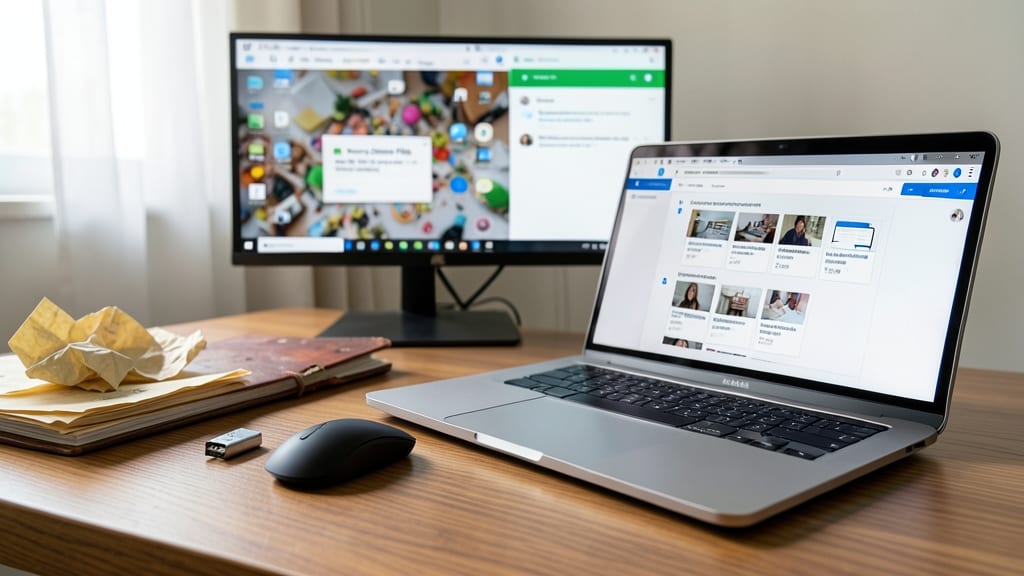
Tired of chasing down lost USB drives or scrambling to recover deleted files? Microsoft Teams’ cloud-based storage solves these headaches with OneDrive integration, ensuring every assignment, rubric, or presentation stays safe and accessible from any device.
Teachers can create shared class folders with permissions tailored to each student—no more misplaced homework or "my dog ate my flash drive" excuses. Files sync automatically across devices, and version history lets you restore lost work with a single click. Plus, 2TB of cloud storage per user (with Microsoft 365 Education) means no more storage limits cramping your workflow.
This is a game-changer for schools adopting 1:1 device programs or BYOD policies, where students switch between tablets, Chromebooks, and laptops. No more tech support tickets for missing files—just seamless access, anywhere. ✨
Live Polls And Quizzes For Instant Feedback
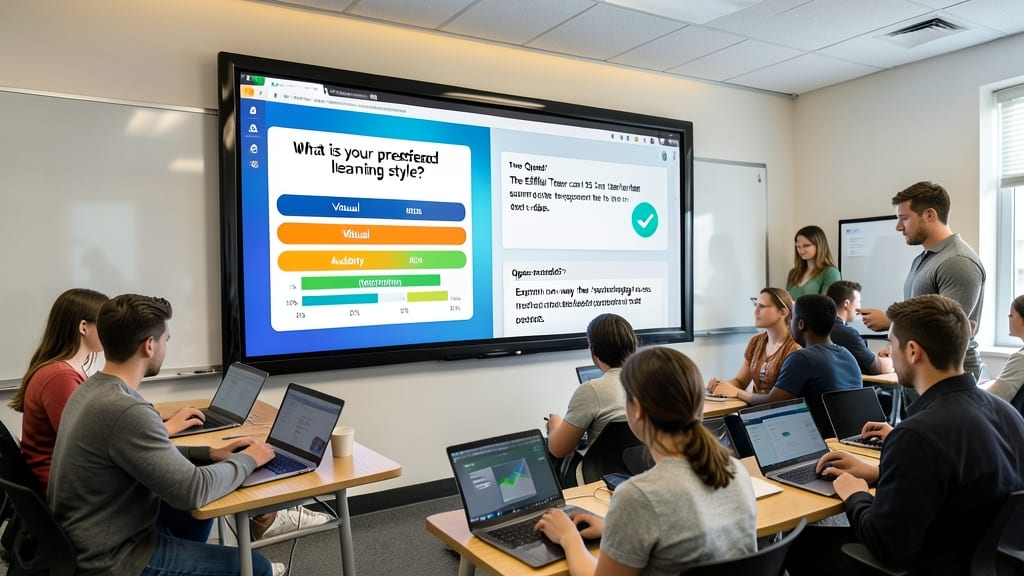
Turn passive lectures into interactive learning sessions with Microsoft Teams' built-in live polls and quizzes. These tools let you instantly gauge comprehension, spark discussions, and adjust teaching on the fly—no third-party apps required.
Create multiple-choice, true/false, or open-ended questions in seconds, then display real-time results as graphs or word clouds. The formative assessment features track progress without grading pressure, while anonymous responses encourage shy students to participate. You can even save polls as reusable templates for future classes.
Perfect for high school debates, college lectures, or professional development workshops, this feature keeps energy high and ensures no student slips through the cracks. ⚡
Parent-Teacher Communication Hub

Tired of parents drowning in a sea of fragmented emails about field trips, deadlines, and conferences? Microsoft Teams’ dedicated Parent-Teacher Communication Hub solves this by creating a single, organized feed where educators can post updates, share calendars, and schedule meetings—all with read receipts to confirm messages were seen.
With customizable class channels, teachers can categorize announcements (e.g., "Upcoming Events," "Homework Reminders") while parents receive real-time notifications via app or email. The shared calendar integration eliminates scheduling chaos, and translation tools ensure clarity for non-native English speakers. Plus, secure file-sharing lets parents access permission slips or volunteer forms instantly.
This feature is a game-changer for schools prioritizing transparency and efficiency—keeping everyone on the same page without the email overload. 💡
Accessibility Features For All Learners
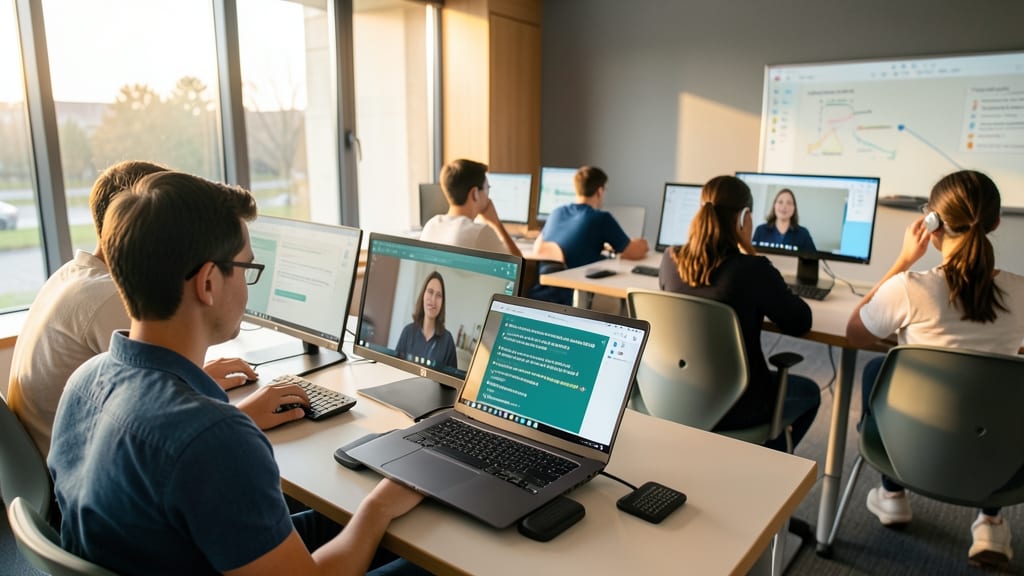
Every student deserves equal access to learning—and Microsoft Teams delivers with built-in accessibility tools that adapt to individual needs. From live captions in video calls to screen reader compatibility for visually impaired learners, the platform ensures no one gets left behind during lessons.
The Immersive Reader feature alone transforms reading experiences with customizable font sizes, text spacing, and color contrasts, while alt text support for shared images makes visual content accessible. For students with hearing impairments, real-time captions (available in 40+ languages) turn spoken discussions into searchable text—no extra hardware required.
Educators using Teams for special education programs or ESL classrooms will appreciate how these features align with ADA and WCAG standards, reducing legal risks while fostering inclusion. It’s the digital equivalent of a classroom designed for every learner’s needs. 🌟
Preparation For Future Workplace Skills
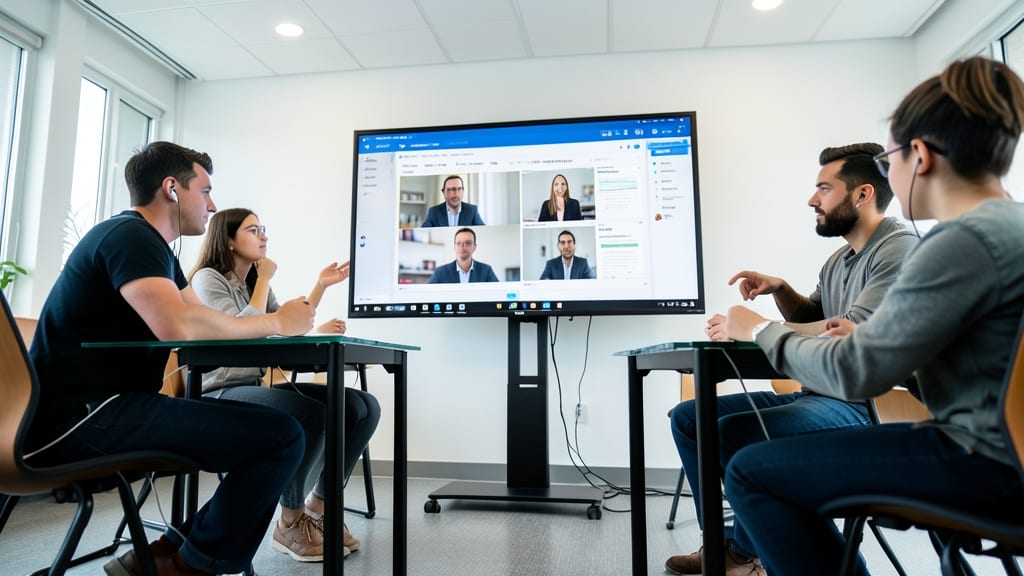
What if your students could graduate with real-world collaboration skills already mastered? Microsoft Teams bridges the gap between classroom learning and workplace readiness by integrating tools like cloud-based document sharing, professional video conferencing, and structured project management—exactly what employers demand.
Students learn to use Microsoft 365 apps (Word, Excel, PowerPoint) in collaborative workflows, mirroring how teams operate in tech, marketing, and engineering fields. The Planner integration teaches project timelines, while Teams meetings with screen sharing and recording prepare them for virtual interviews and remote work. These aren’t just academic exercises—they’re career-ready competencies aligned with STEM and ISTE standards.
Ideal for schools prioritizing future-proof education, this benefit ensures graduates hit the ground running. 🌟
Cost-Effective Alternative To Specialized EdTech
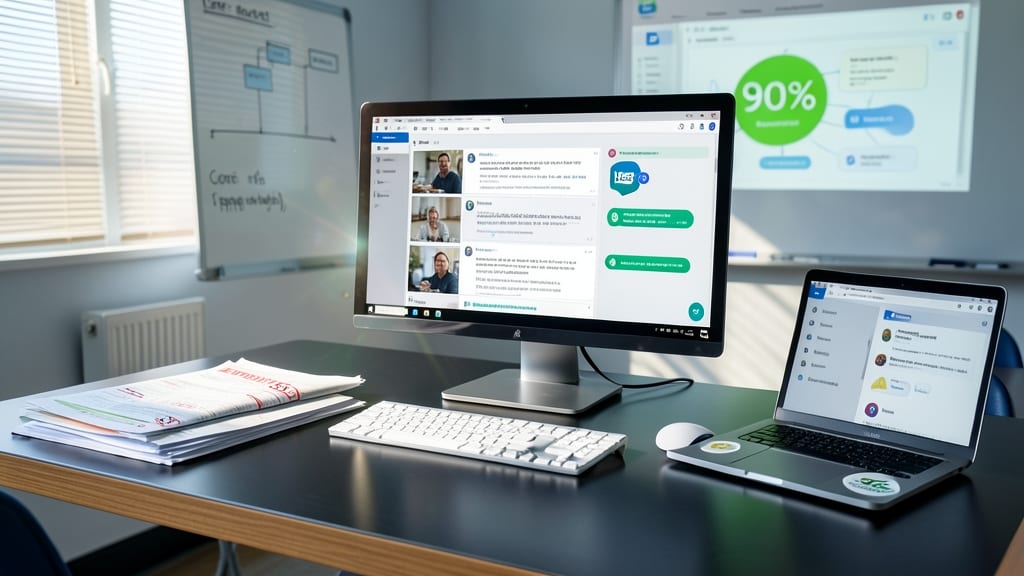
School budgets often struggle to justify expensive EdTech platforms when Microsoft Teams already delivers 90% of the functionality most educators need. With Microsoft 365 Education licenses already in place for many districts, you’re essentially getting enterprise-grade tools at no extra cost.
The platform’s Classroom and Education features include assignment tracking, gradebooks, and attendance tools—mirroring what specialized LMS platforms charge thousands for annually. Plus, deep integration with Word, Excel, and PowerPoint means students collaborate seamlessly without switching apps, while built-in security compliance (FERPA, COPPA) eliminates the need for third-party add-ons.
This makes Teams the perfect choice for cash-strapped schools or those seeking to consolidate tools. 💪