
Tip & Trick
Remote work expands your digital attack surface—but these 10 security best practices will harden your defenses against phishing, malware, and data breaches before they become problems. Implement these proven tactics to work securely from anywhere without sacrificing productivity.
Multi-Factor Authentication for Every Account
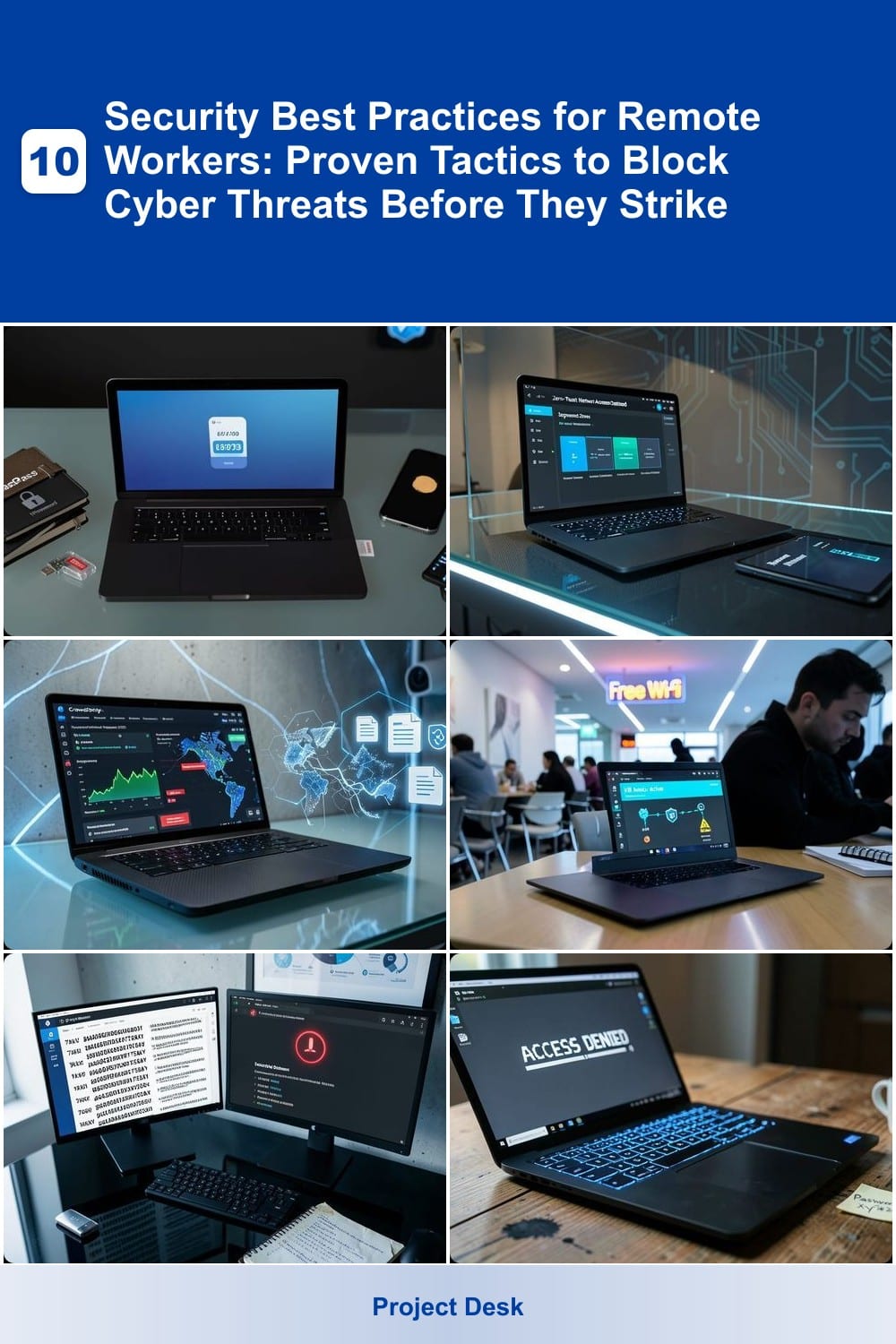
If you’ve ever reused a password (and let’s be honest, most of us have), multi-factor authentication (MFA) is your first line of defense against automated attacks that block 99.9% of breaches. It’s not just for high-security accounts—your email, cloud storage, and VPN should all require it.
Most services offer SMS codes, biometric scans (fingerprint/face ID), or authenticator apps like Google Authenticator or Authy. The key is avoiding SMS-only setups (they’re vulnerable to SIM-swapping attacks) and opting for apps with backup codes stored securely. Services like Microsoft Authenticator or Duo Security integrate seamlessly with work accounts while keeping your logins frictionless.
This is especially critical for remote workers juggling personal and professional accounts. Start with your most sensitive platforms—email, banking, and cloud storage—and enable MFA wherever possible. Your future self (and hackers) will thank you. ✨
Zero-Trust Network Access Policies
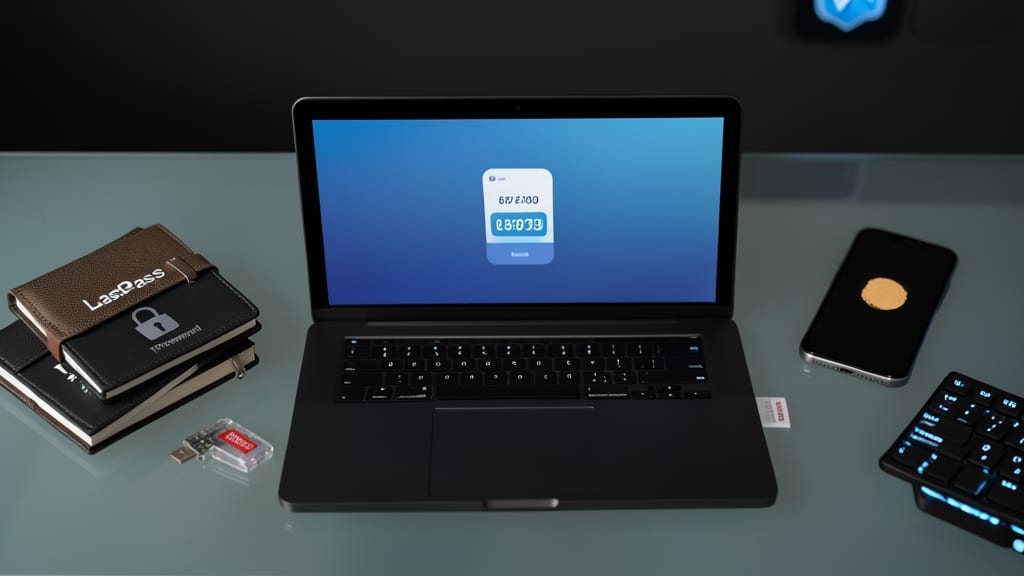
Tired of security policies that treat your personal device like a ticking time bomb? Zero-trust network access flips the script by assuming every device—even yours—could be compromised, then enforces strict access controls to mitigate the risk.
This approach uses micro-segmentation to isolate work apps from personal browsing, while least-privilege access ensures you only get permissions for what you need (not what you ask for). Tools like BeyondTrust or Zscaler Private Access automate this, dynamically verifying devices before granting access—no more blanket trust for corporate networks. For hybrid workers, it’s the only way to keep sensitive data safe when your laptop switches between coffee shop Wi-Fi and your home network.
Perfect for freelancers, contractors, or anyone juggling work and personal tech—especially if your employer hasn’t implemented it yet. Start by pushing your IT team for conditional access policies that treat your device like a potential threat (because it could be). ✨
Endpoint Detection and Response Software
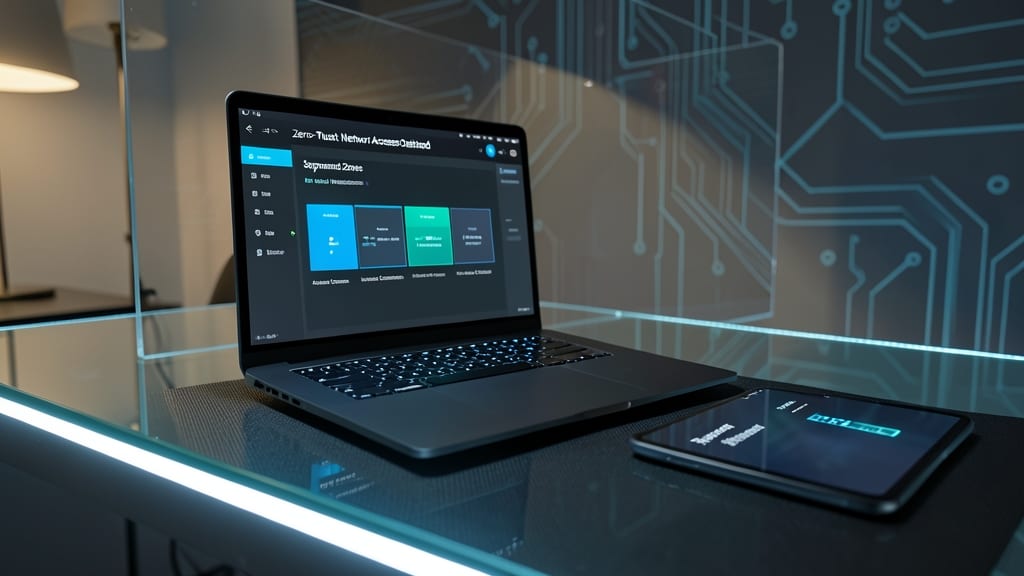
What if your device could stop a ransomware attack in its tracks—before your files get locked? Endpoint Detection and Response (EDR) software does exactly that, using AI-driven monitoring to detect suspicious behavior like keyloggers or unauthorized access in real time.
Top solutions like CrowdStrike Falcon or SentinelOne scan for threats 24/7, with automated responses (e.g., isolating infected devices) that require zero technical expertise from you. They also provide detailed forensic reports for IT teams, making them ideal for both individuals and small businesses without dedicated cybersecurity staff.
Perfect for remote workers handling sensitive data, EDR acts as an invisible shield—no configuration headaches, just peace of mind. 💻
Secure VPN with Kill Switch Feature
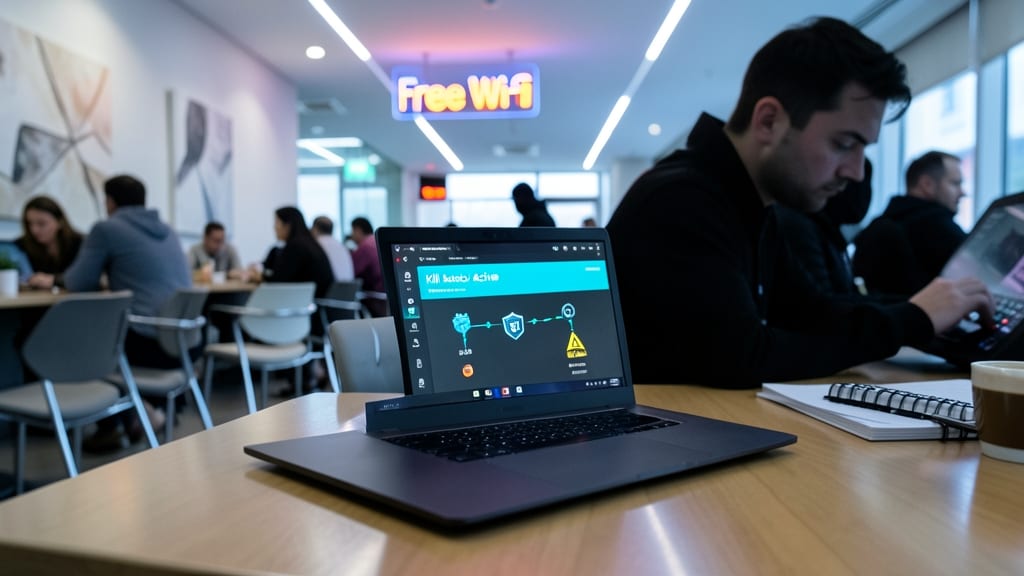
Public Wi-Fi is a hacker’s playground—but a kill switch VPN turns it into a fortress. Unlike basic VPNs, this feature instantly cuts your internet if the connection drops, preventing accidental exposure of sensitive work data like emails or financial files.
Look for VPNs with split tunneling to route only work traffic through the encrypted tunnel while keeping streaming or video calls on your regular connection. Top picks like NordVPN or ExpressVPN offer this alongside WireGuard protocol for faster speeds. The kill switch alone can stop data leaks in under a second.
This is non-negotiable for freelancers, contractors, or anyone using hotel networks. Pair it with a no-logs policy VPN to ensure your activity stays private even if the provider gets subpoenaed. 💪
Password Manager with Breach Monitoring
Weak passwords are the #1 way hackers break into accounts—yet most people reuse the same credentials everywhere. A password manager with breach monitoring solves this by generating unique, 24-character passwords for every site and scanning the dark web for exposed credentials in real time.
Look for tools like 1Password or Bitwarden, which offer automated breach alerts via email or app notifications. Features like emergency access let you share passwords securely with family members, while biometric unlocking keeps your vault accessible only to you. These managers also sync across devices, so your passwords stay protected whether you're on a work laptop or personal phone.
Perfect for remote workers juggling personal and professional accounts, this tool eliminates password fatigue while adding an extra layer of defense against credential stuffing attacks. 💡
Device Encryption and Secure Wipes
If you’ve ever misplaced a laptop or worried about a device falling into the wrong hands, full-disk encryption is your first line of defense. It scrambles all data on your hard drive—including files, emails, and even deleted items—so only someone with the correct password can access it. This isn’t just paranoia; it’s a mandatory feature for contractors, freelancers, and anyone handling sensitive client data.
Windows users can rely on BitLocker, which integrates seamlessly with Active Directory for enterprise environments, while macOS offers FileVault with zero-config setup. For secure wipes, BitLocker’s "Selective Wipe" feature lets you erase only corporate files while preserving personal data—a game-changer if you switch jobs or sell a device. Even better, most modern SSDs (like Apple T2 chips or Intel Core i7+ laptops) support hardware-level encryption for near-instant performance.
This is non-negotiable for anyone juggling work and personal devices. Contractors, legal teams, and healthcare professionals should prioritize this—it’s the digital equivalent of a deadbolt lock on your data vault. ✨
Phishing Simulation Training Programs
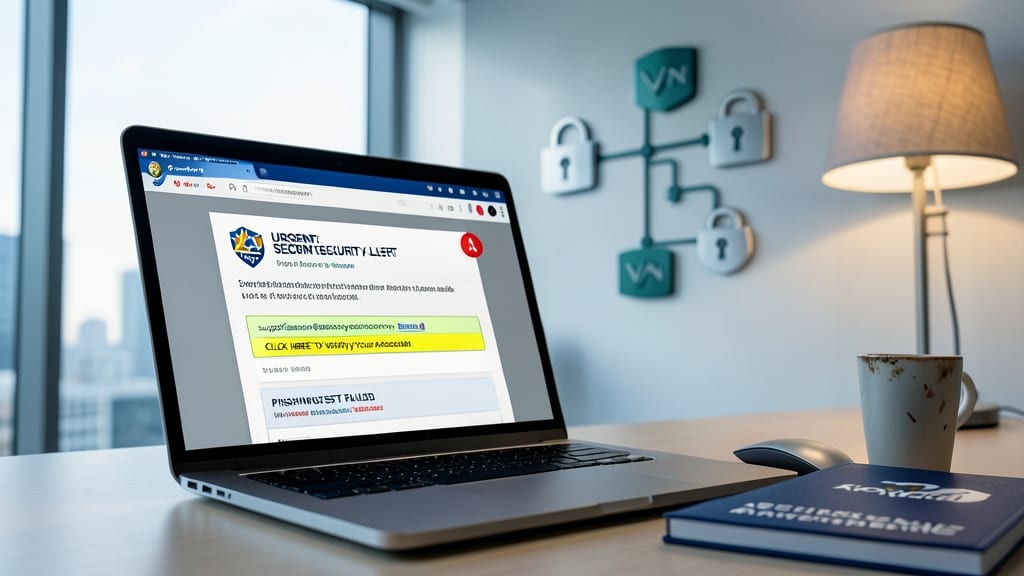
Even the most secure tech stack fails when employees click malicious links—90% of breaches start with human error. Phishing simulation programs like KnowBe4 or Proofpoint send realistic scam emails monthly to test your team's vigilance, with instant feedback on mistakes.
Look for platforms with gamified leaderboards to boost engagement (yes, even security can be fun) and customizable scenarios—from fake invoice scams to CEO impersonations. These tools track improvement over time, turning passive training into an active defense. The best also integrate with your existing email system for seamless deployment.
This is non-negotiable for remote teams handling sensitive data, especially in finance or healthcare. Start with a pilot program to prove ROI before rolling out company-wide. 💪
Cloud Storage with Granular Permissions
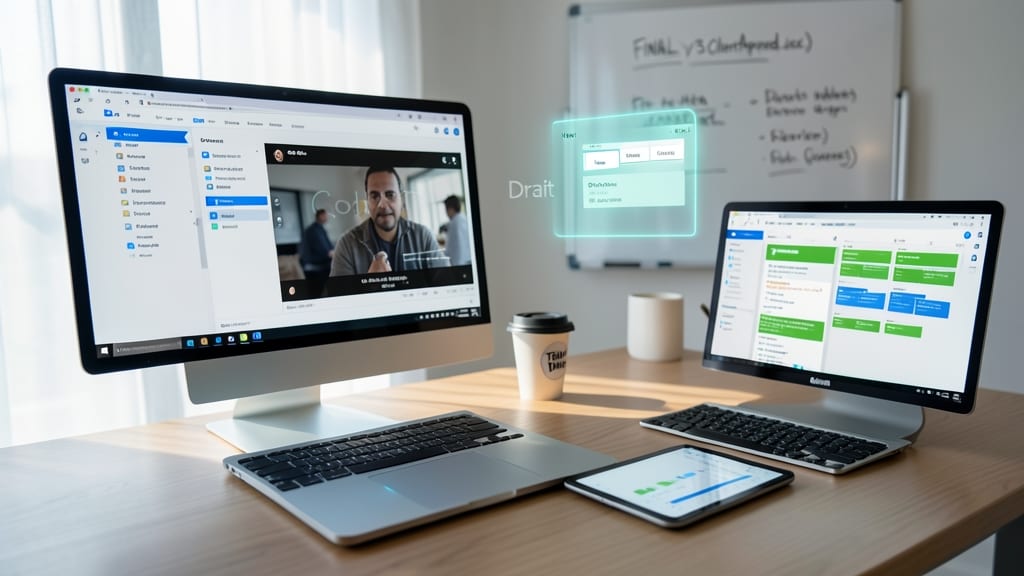
Creative teams and remote workers dealing with large files know the frustration of accidentally sharing drafts—or worse, losing critical work. Cloud storage with granular permissions solves both problems by giving you control over who sees what and when.
Platforms like Google Drive (with Team Drives) or Dropbox Business let you set role-based access (viewer, editor, commenter) down to the folder level. Combine this with version history to restore deleted files in seconds, and you’ve got a safety net for creative chaos. For extra security, enable expiration dates on shared links to auto-revoke access after a set period.
Perfect for designers, marketers, and legal teams where drafts need protection but final files require broad access. 💡
Secure Messaging Apps for Sensitive Data
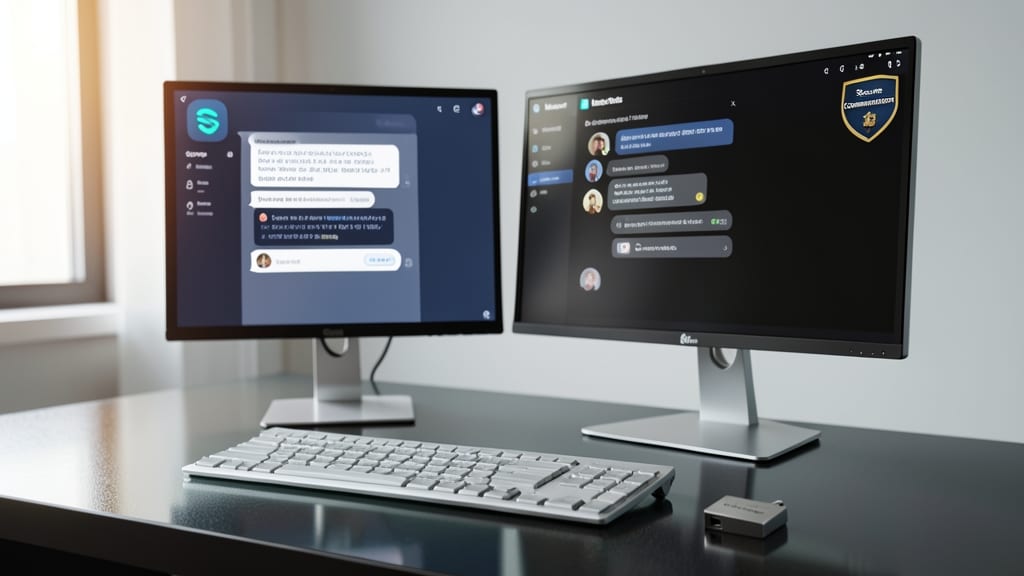
Forget unsecured email—Signal and Microsoft Teams (with compliance modes) offer military-grade encryption that keeps client conversations private. Unlike traditional email, these apps ensure messages are encrypted from device to device, making them ideal for legal or financial discussions where confidentiality is non-negotiable.
Signal provides open-source encryption with no metadata retention, while Microsoft Teams’ Government Community Cloud (GCC) mode meets HIPAA and GDPR standards. Both support self-destructing messages and end-to-end verification checks to confirm encryption is active. Even deleted messages stay secure with no server-side storage.
Perfect for professionals handling sensitive contracts, medical records, or financial disclosures, these tools eliminate the risks of email interception or accidental leaks. 💪
Regular Security Audits and Patch Management
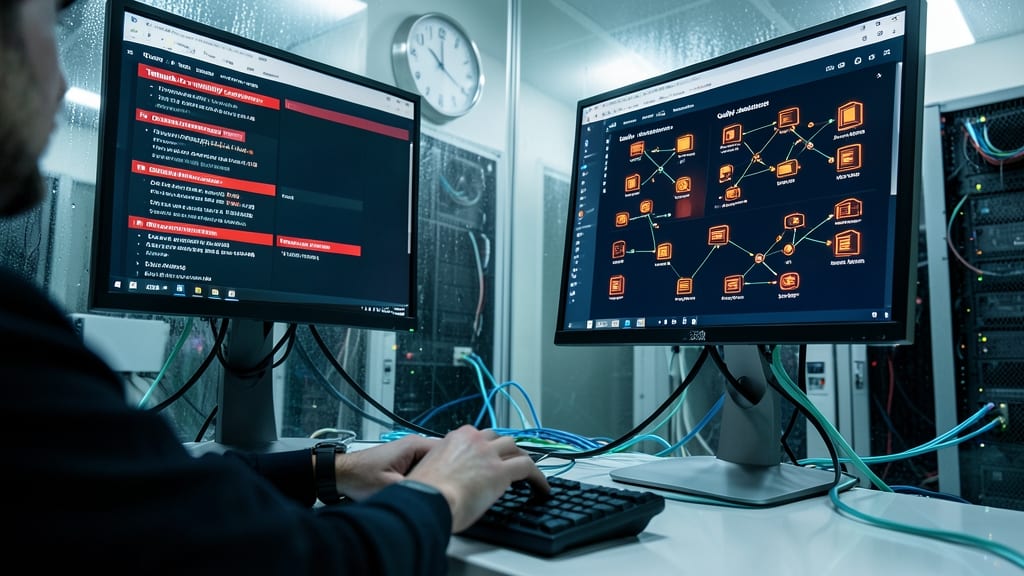
Cybercriminals exploit unpatched software within minutes of vulnerabilities being public—so setting up automated security audits isn’t optional, it’s survival. Tools like Tanium or Qualys scan your entire network daily, flagging outdated OS versions, missing patches, and misconfigured devices before hackers can weaponize them.
Look for solutions with real-time patch deployment and IT admin dashboards that show compliance status across all devices—even if your team spans three time zones. The best platforms prioritize critical updates first, so you’re never left exposed to zero-day exploits while waiting for manual approvals. These tools also generate compliance reports for auditors, saving hours of paperwork.
This is non-negotiable for IT teams managing remote workers, but even solo professionals benefit from free tools like Microsoft Defender for Endpoint or Nessus Home to scan personal devices. Set it up once and forget—until the next audit reveals your system is 100% patched. ✨