
Software
Developers working across platforms face constant headaches with inconsistent date and time formats. These seven universally recognized standards ensure compatibility in applications, APIs, and databases—saving debugging time and preventing user errors.
ISO 8601 International Date and Time Format

When your API needs to speak the same language globally, ISO 8601 is the universal translator for dates and times. This standardized format—like YYYY-MM-DDTHH:MM:SSZ—eliminates ambiguity by separating components with hyphens, colons, and the letter "T" for time.
Used by JSON, XML, and REST APIs, ISO 8601 ensures machines parse dates consistently across Python, JavaScript, and Java. The "Z" suffix denotes UTC, while timezone offsets (e.g., +05:30) handle local variations. Libraries like Python’s datetime module and JavaScript’s Date.parse() natively support it.
Perfect for backend developers and API designers, ISO 8601 reduces debugging headaches by guaranteeing compatibility—no more locale-specific quirks. ✨
Unix Epoch Time (Unix Timestamp)
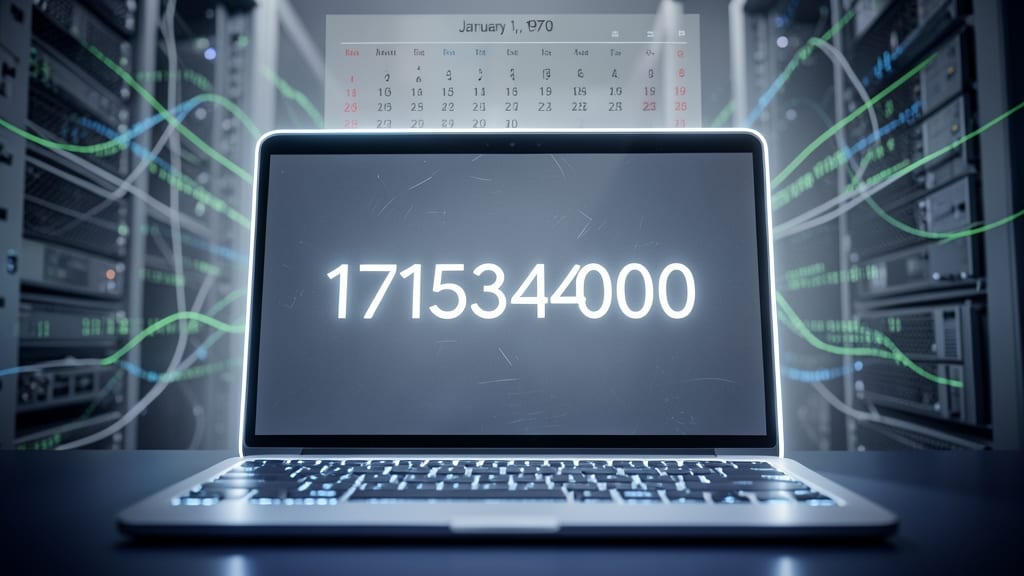
When your backend needs to crunch numbers faster than a human can blink, Unix Epoch Time is the silent hero. Represented as a single integer (e.g., 1715344000), it counts seconds since January 1, 1970, making it the go-to for databases, APIs, and scripts where precision matters most.
This format shines in Linux timestamps, JavaScript’s Date.getTime(), and Python’s time.time(). It’s lightweight, sortable, and perfect for calculations—like comparing two events or scheduling tasks. No timezone headaches, just pure numeric simplicity. Even 32-bit systems handle it until 2038, though 64-bit extends this to 292 billion years.
Backend engineers and data scientists rely on it for log analysis, caching, and event sequencing. If you’re building systems where time is a critical factor, this is your unsung workhorse. ⚡
RFC 2822 (Internet Date-Time Format)
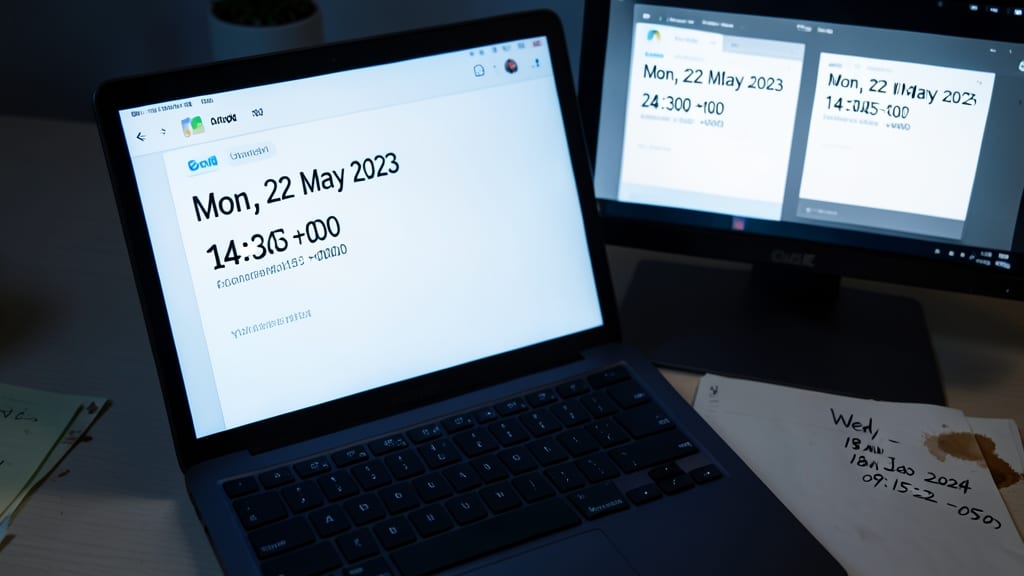
Ever sent an email only to realize the timestamp in the header looked like gibberish to your recipient? RFC 2822 is the hidden standard keeping email dates readable and reliable across every inbox—from Gmail to Outlook.
This format uses a three-letter day abbreviation (e.g., Mon), followed by the day, month, year, and time (e.g., 06 Jun 2022 12:34:56), plus a timezone offset (e.g., +0000). It’s baked into SMTP protocols, ensuring servers and clients parse dates consistently. Unlike ISO 8601, it prioritizes human readability over machine precision, making it ideal for headers where users see the timestamp.
If you’re building email APIs, parsing SMTP logs, or ensuring cross-client compatibility, RFC 2822 is your go-to. Developers working with legacy systems or email integrations will appreciate how it bridges the gap between machines and humans. ⚡
Microsoft Excel Date-Time Format
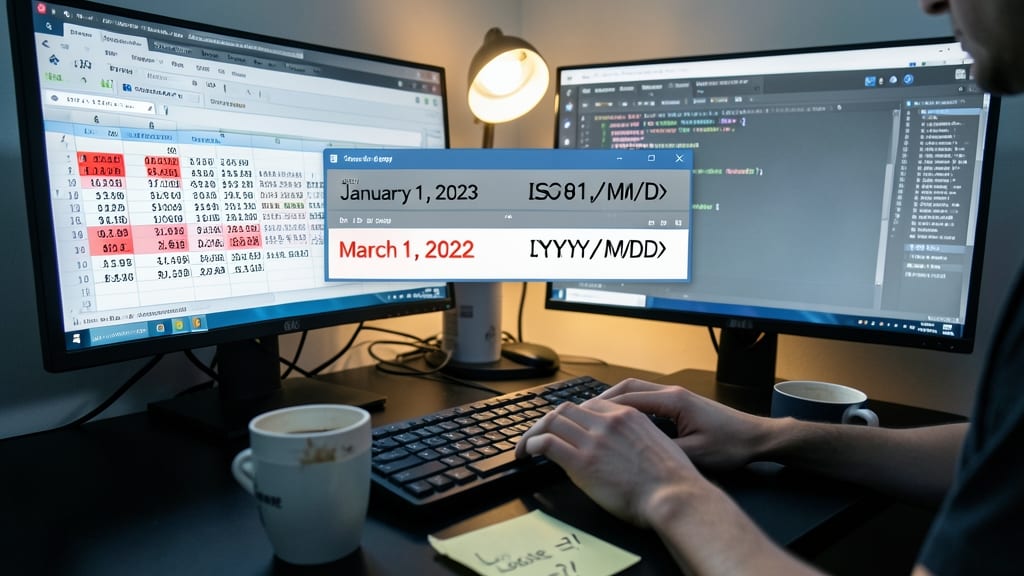
If you’ve ever spent hours debugging why Excel treats January 1, 2023, as March 1, 2022, you’ve encountered the quirks of Microsoft Excel’s date-time format. Unlike machine-friendly standards, Excel defaults to MM/DD/YYYY (or DD/MM/YYYY in some regions), which can derail calculations if not handled carefully—especially when sharing files across Office 365 or embedding data in PowerPoint.
The format MM/DD/YYYY HH:MM AM/PM (e.g., 01/15/2023 03:45 PM) is Excel’s go-to, but regional settings can flip months and days, turning January into the 15th month. Even worse, Excel stores dates as serial numbers (e.g., 45000 = Jan 1, 2023), which breaks if formulas assume the wrong format. Always validate inputs with functions like ISNUMBER() or DATEVALUE() to avoid silent failures.
This format is non-negotiable for financial analysts, project managers, and small-business owners relying on shared Excel files. Double-check regional settings in File > Options > Language before distributing spreadsheets to global teams. 💻
JavaScript Date Object Format
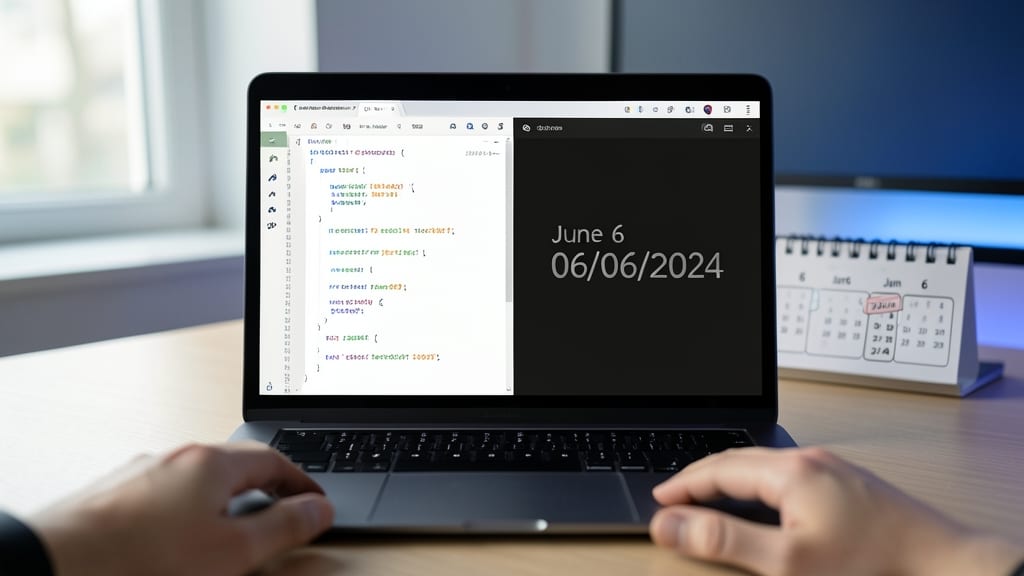
If your web app needs to display dates dynamically while respecting user preferences, JavaScript’s Date Object is your go-to tool—but it comes with quirks. Unlike rigid formats like ISO 8601, JavaScript’s new Date() adapts to locales via toLocaleString(), automatically formatting dates like "June 6, 2023" for English or "6 juin 2023" for French.
The catch? Timezone handling demands attention. A naive new Date() defaults to the browser’s local timezone, which can cause confusion in collaborative apps. Use toISOString() for UTC consistency or libraries like Luxon to manage timezones explicitly. For example, new Date().toLocaleString('en-US', { timeZone: 'America/New_York' }) ensures New York users see correct local times.
Frontend developers building global apps will love this flexibility, while backend teams should pair it with ISO 8601 for API consistency. ⚡
SQL Date-Time Data Types
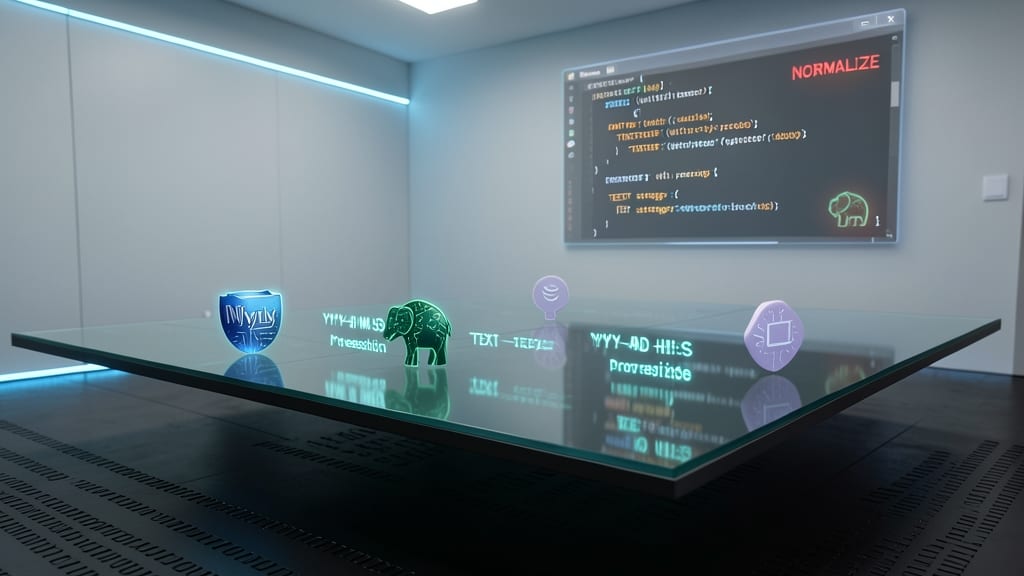
When building applications that span multiple databases, you can’t just assume every SQL engine handles date-time values the same way. MySQL’s YYYY-MM-DD HH:MI:SS format clashes with PostgreSQL’s TIMESTAMP or SQLite’s TEXT storage—unless you normalize them first.
MySQL’s DATETIME stores dates without timezone info, while PostgreSQL’s TIMESTAMP WITH TIME ZONE includes UTC offsets. Even ORMs like SQLAlchemy require explicit type mapping to avoid silent data corruption. For example, a datetime.datetime object in Python maps to TIMESTAMP in PostgreSQL but needs conversion to DATETIME in MySQL.
This quirk forces backend developers to implement database-specific adapters or use libraries like pytz for timezone-aware operations. If you’re maintaining a multi-database system, this is the gotcha that bites hardest during migrations. 💻
Human-Readable Localized Formats
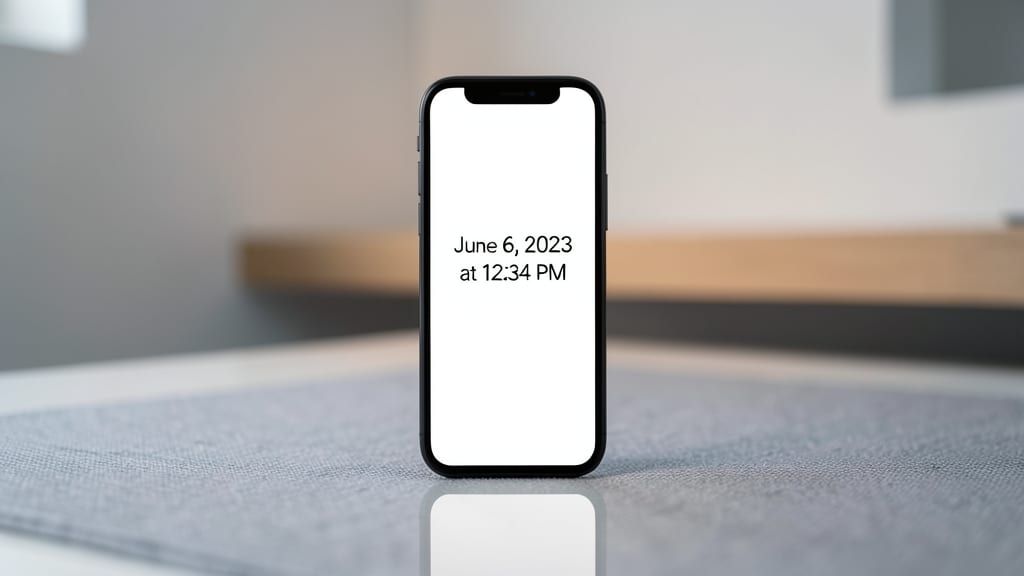
When your app’s UI needs to display dates and times in a way users instantly understand—like June 6, 2023 at 12:34 PM—human-readable localized formats shine. Unlike machine-friendly standards, these prioritize clarity over parsing efficiency, making them essential for calendars, notifications, and status updates across Windows, macOS, and mobile platforms.
These formats leverage locale-specific rules (e.g., MM/DD/YYYY for the U.S. vs. DD/MM/YYYY for Europe) while preserving natural language cues like "yesterday" or "tomorrow." Libraries like JavaScript’s Intl.DateTimeFormat or Swift’s DateFormatter handle the heavy lifting, ensuring consistency without sacrificing readability. For example, new Date().toLocaleString(undefined, { dateStyle: 'long', timeStyle: 'short' }) in JavaScript dynamically adapts to the user’s region.
Perfect for frontend developers building consumer apps or UX designers crafting intuitive interfaces, these formats bridge the gap between technical precision and user-friendly displays. Just remember: while machines thrive on ISO 8601, humans prefer June 6th at 12:34 PM. ✨