
Software
Mastering Microsoft Access can revolutionize how you manage data and automate workflows—without breaking the bank. These 10 free online courses deliver hands-on training for beginners and intermediate users, covering everything from database fundamentals to advanced queries.
Microsoft Access Official Beginner Training
Looking for the most trusted way to learn Microsoft Access? Microsoft’s official beginner training—hosted directly on their support site—is your best starting point. Designed by the software’s creators, this course cuts through guesswork with step-by-step video tutorials that cover the essentials: creating tables, designing forms, and generating reports—all without overwhelming jargon.
The course includes interactive exercises to reinforce lessons, plus downloadable practice files so you can follow along hands-on. You’ll learn to organize data efficiently, automate simple tasks, and even create basic queries—skills that translate directly to real-world projects. Best of all, it’s completely free and updated to match the latest version of Access.
If you’re a complete beginner or someone who wants to build a strong foundation before exploring advanced features, this is the course to start with. It’s the official blueprint for mastering Access the right way. 💻
ExcelIsFun’s Access Crash Course
Stuck in Excel but ready to unlock the power of databases? ExcelIsFun’s Access Crash Course bridges that gap by leveraging Bill Jelen’s Excel expertise to demystify Access’s most intimidating features—like relationships and queries—using familiar Excel concepts as a foundation.
This free video series breaks down how to convert Excel tables into normalized Access databases, design efficient queries without SQL, and automate workflows using Access’s built-in tools. Jelen’s signature real-world examples (like inventory tracking or event registrations) make abstract concepts click instantly, while his Excel-to-Access comparison tables highlight key differences. The course also covers form design best practices and report generation, with downloadable exercise files to practice immediately.
Perfect for Excel power users, small business owners, or analysts who need to move beyond spreadsheets but aren’t ready for coding. If you’ve mastered PivotTables but want to organize data more robustly, this is your shortcut to Access mastery. 💻
LinkedIn Learning Free Access Trial
Need to build a real-world inventory database but don’t have time for lengthy tutorials? LinkedIn Learning’s 14-day free trial delivers hands-on Access training with projects that mirror professional workflows—no fluff, just practical skills.
The course dives into database design for inventory systems, teaching you to create tables, set up relationships, and generate reports—all while working on a live project. You’ll also explore query optimization and form customization, with step-by-step guidance tailored for professionals. The trial includes downloadable exercise files, so you can follow along without setup hassles.
Perfect for small business owners, office managers, or IT admins who need to automate data tasks quickly. Skip the theory and jump straight into building something useful in just two weeks. ✨
GCFGlobal’s Access Fundamentals

If you’ve ever felt overwhelmed by tech jargon or struggled to keep up with fast-paced tutorials, GCFGlobal’s Access Fundamentals is your ideal starting point. This non-profit course is specifically designed for seniors, caregivers, or anyone new to databases, ensuring every concept is explained in plain language with visual aids and step-by-step demonstrations.
The course covers core Access skills like creating tables, designing simple forms, and generating basic reports—all at a gentle pace. Lessons include screen recordings of each action, so you can follow along without frustration. The platform also offers live chat support for troubleshooting, making it one of the most accessible free options available.
Perfect for grandparents, retirees, or small business owners just starting with Access, this course removes the intimidation factor while building confidence. 💡
Udemy’s Free Access Database Course
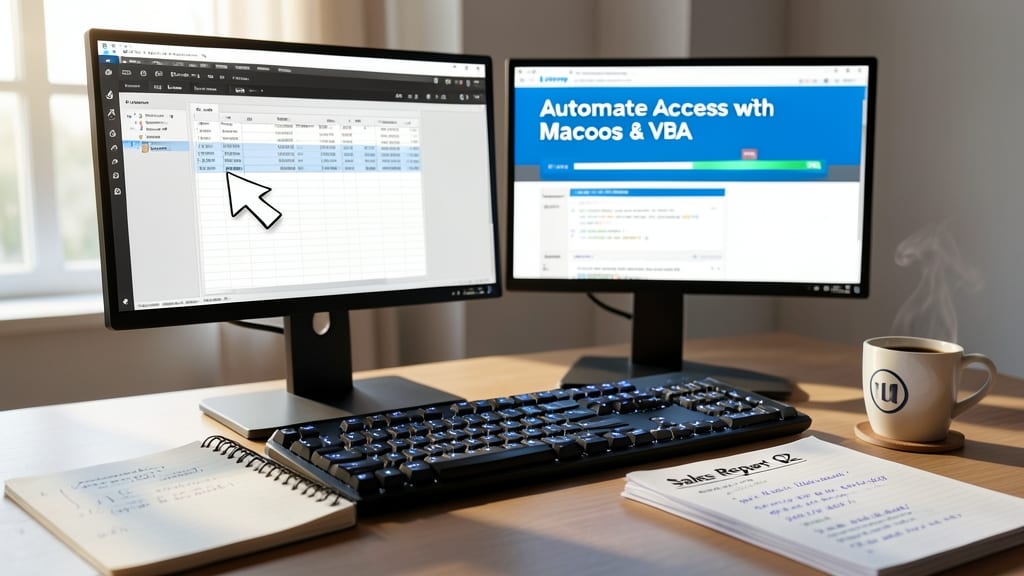
Tired of repetitive tasks in Access? Udemy’s free section of their popular paid course unlocks the power of macros and VBA—without requiring prior programming knowledge. This hidden gem lets you automate workflows like generating reports or cleaning data with just a few clicks.
The course breaks down VBA basics (like recording macros and writing simple scripts) using real-world examples. You’ll learn to create auto-updating forms, validate data entries, and even build custom dialog boxes—all while working in Access’s built-in VBA editor. The free section includes downloadable exercise files to practice immediately.
Perfect for office workers or small business owners who want to save hours weekly on manual tasks, this course bridges the gap between Access basics and powerful automation. ⚡
YouTube’s Access Tutorial Playlist
If watching instead of reading makes Microsoft Access click for you, YouTube’s curated Access Tutorial Playlist delivers exactly what you need. Channels like Access Expert and Leila Gharani break down complex topics into digestible, 5-15 minute videos—no fluff, just practical skills.
You’ll find step-by-step guides on query optimization, designing dynamic reports, and even troubleshooting common errors. The visual format highlights key actions with screen recordings, making it easier to follow along than text-heavy tutorials. Best of all, these videos are free, ad-free (on many channels), and updated regularly.
This playlist shines brightest for visual learners or those who prefer learning by watching real-world examples. Perfect for office workers or students who want to master Access without committing to a full course. 💡
Coursera’s Access for Data Management
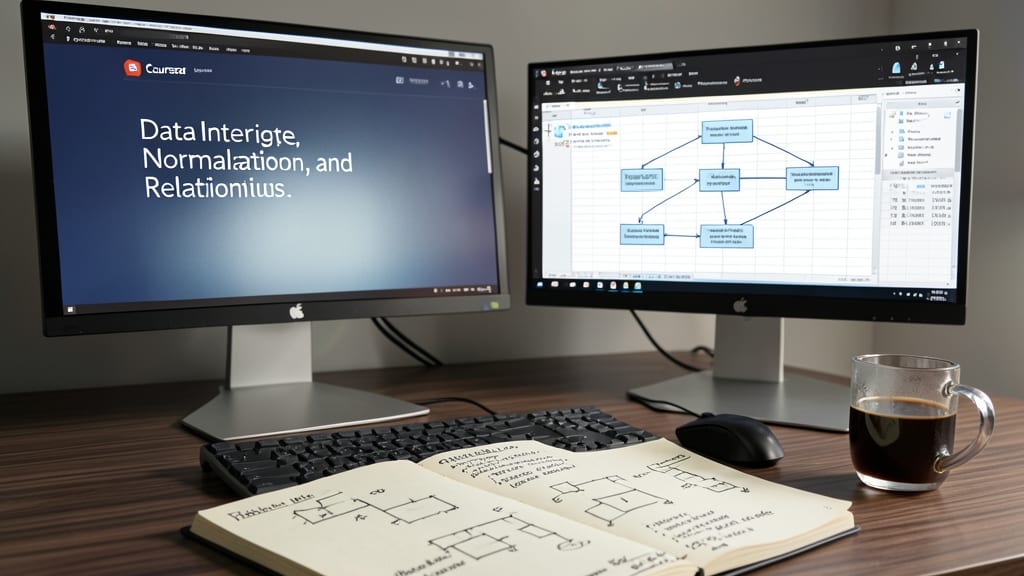
If you’re building databases that need to handle real-world data—like student records, inventory systems, or financial tracking—this Coursera course offers the rigor of a university-level curriculum without the cost. Unlike basic tutorials, it dives deep into data integrity, normalization, and relational design, teaching you how to structure databases that scale and perform reliably.
The course covers SQL fundamentals within Access, how to design third-normal-form databases, and best practices for maintaining accuracy in large datasets. With video lectures, quizzes, and peer-reviewed assignments, it’s structured like a college class but remains free to audit. The focus on professional-grade database principles makes it stand out from simpler tutorials.
Perfect for students, analysts, or small-business owners who need databases that grow with their needs—not just quick-and-dirty solutions. ⚡
Microsoft Virtual Academy’s Access Deep Dive
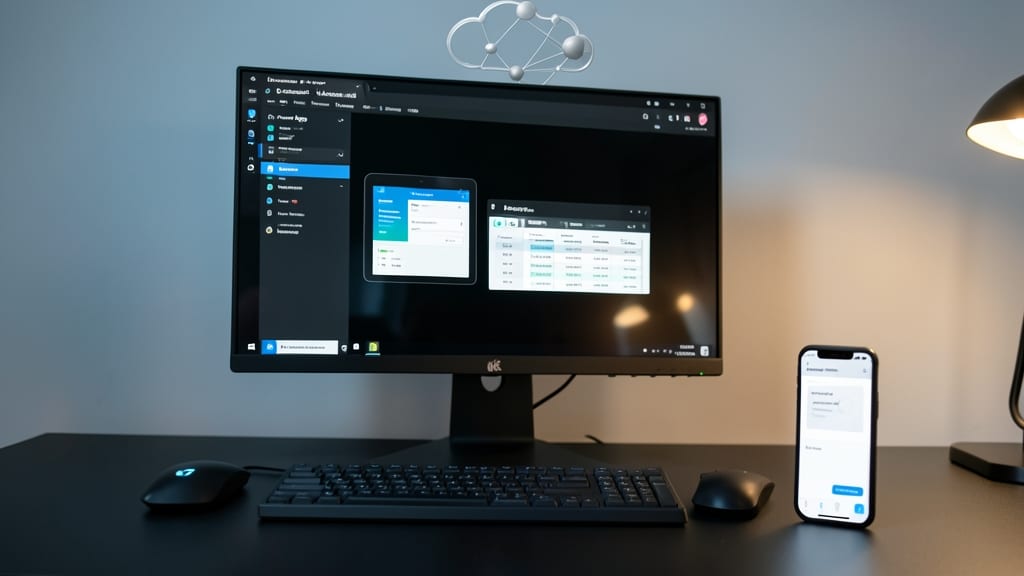
Ready to bridge the gap between classic Access databases and modern cloud tools? Microsoft Virtual Academy’s Access Deep Dive delivers a free, expert-led course that focuses on integrating Power Apps for mobile-friendly workflows and syncing data across OneDrive/SharePoint—no coding required.
The course dives into real-world migration scenarios, like converting legacy Access forms into responsive Power Apps interfaces with zero-config cloud sync. You’ll also learn to leverage Azure AD authentication for secure multi-user access, plus optimize queries for hybrid environments. Microsoft’s instructors walk through step-by-step demos using Access 2021/365, ensuring compatibility with current tools.
This is the perfect next step for power users who’ve mastered Access basics but want to future-proof their databases. If you’re managing field teams, remote data collection, or legacy systems, this course shows how to modernize without rewriting everything. ✨
Access World Forum’s Free Webinars
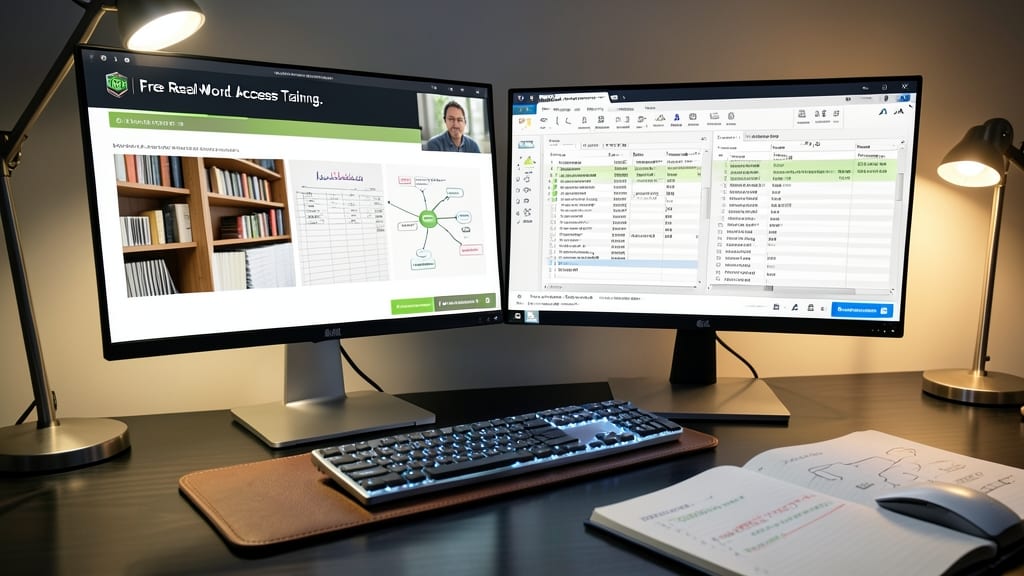
Tired of generic Access tutorials that don’t match your specific needs? The Access World Forum offers free, community-driven webinars focused on real-world scenarios—like building a library catalog system or automating a small-business inventory database. These aren’t just theoretical lessons; they’re practical deep dives into niche applications you might actually use.
The webinars feature live Q&A sessions, downloadable case study files, and expert-led discussions on topics like optimizing queries for large datasets or designing user-friendly forms. Past sessions have covered everything from nonprofit donor tracking to retail point-of-sale systems, proving their value for specialized workflows. Best of all, they’re completely free and hosted by experienced Access professionals.
If you’re working on a unique project that doesn’t fit standard tutorials, these webinars provide the hands-on insights you need. Perfect for freelancers, small-business owners, or hobbyists tackling custom Access solutions. ✨
Khan Academy’s Database Basics
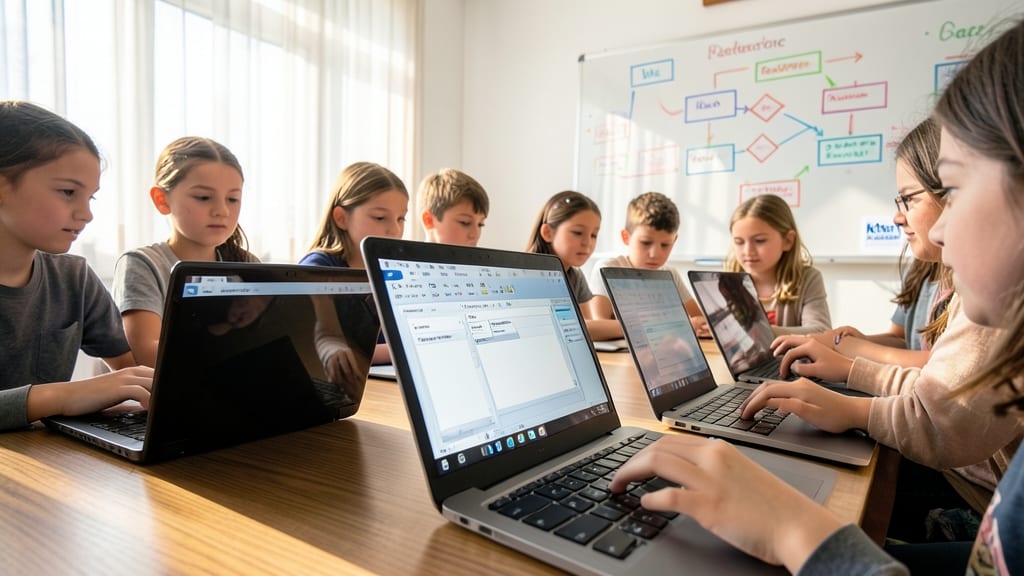
If you’re teaching kids or young teens how to think like a database designer, Khan Academy’s Database Basics turns abstract concepts into interactive fun. This free course uses Microsoft Access as its primary tool, letting students create tables, define relationships, and run queries—all while earning badges for mastery.
The curriculum starts with visual schema diagrams before diving into hands-on Access projects, like designing a library catalog or sports team database. Lessons progress from basic fields to complex joins, with instant feedback through quizzes and challenges. The platform’s gamified approach keeps engagement high, even for reluctant learners.
Ideal for homeschoolers, teachers, or parents introducing tech skills early, this resource bridges the gap between theory and real-world application. ⚡