Software
Struggling to create polished newsletters in Microsoft Word without design skills? These 10 free, professionally designed templates let you customize layouts, fonts, and branding in minutes—no graphic design experience required. Perfect for marketers, small businesses, and educators.
Modern Minimalist Business Newsletter Template
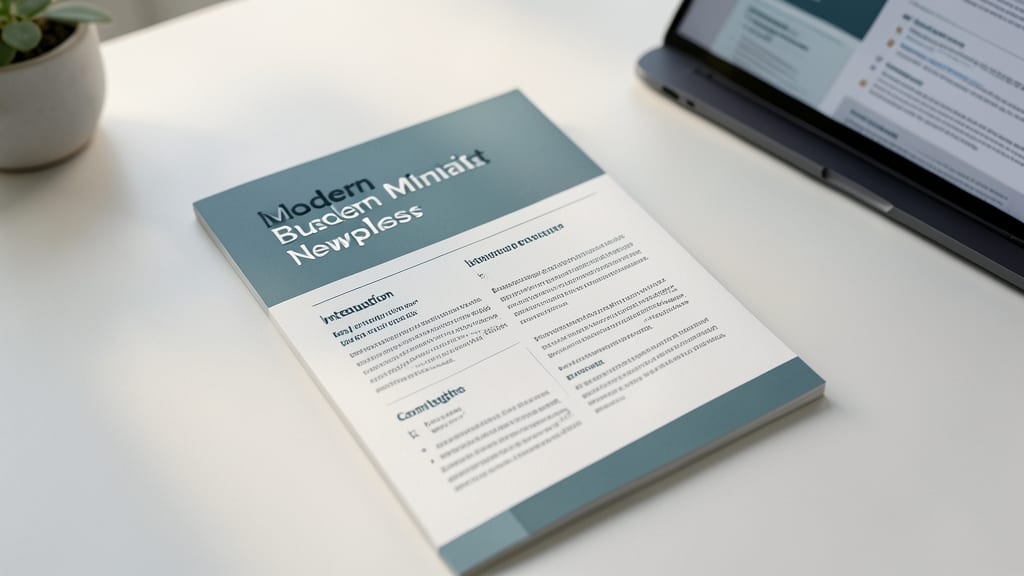
Tired of cluttered newsletters that distract from your message? The Modern Minimalist Business Newsletter Template delivers a clutter-free design with pre-set color schemes (muted blues, grays, and whites) that scream professionalism without overwhelming your audience.
This template includes dedicated logo placement, section dividers for visual hierarchy, and call-to-action buttons pre-formatted for maximum impact. The clean typography (modern sans-serif fonts) ensures readability, while the subtle grid layout keeps content organized. Simply swap in your branding and content—no design skills required!
Perfect for corporate teams, startups, or consultants who want to project polish without spending hours tweaking layouts. Your message will shine through effortlessly. ✨
Educational Newsletter Layout for Teachers
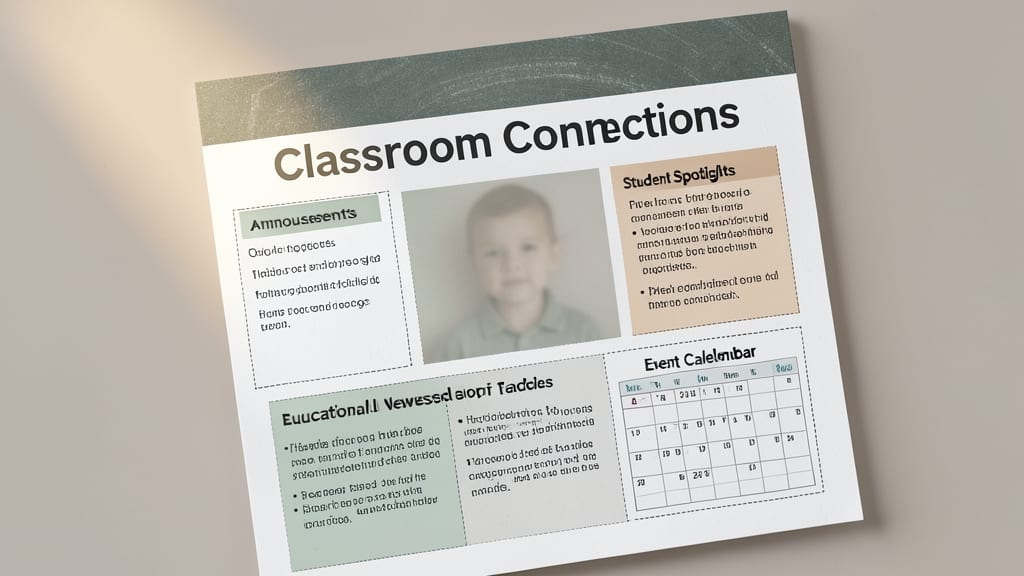
If classroom communication feels like a puzzle, this Educational Newsletter Layout for Teachers simplifies it with pre-built sections designed specifically for educators. Skip the blank page frustration—just drop in your announcements, student spotlights, and event calendars into dedicated areas that automatically stay organized.
The template’s pastel color palette (soft blues, greens, and yellows) keeps things inviting, while easy-to-read fonts ensure clarity whether printed for parents or shared digitally. Placeholder images for student photos and school logos make personalization effortless, and the three-column layout balances visual hierarchy without overwhelming busy teachers.
Ideal for K-12 educators, homeschool coordinators, or after-school program directors who need to share updates quickly. No design skills required—just focus on celebrating your students’ successes. 💻
Nonprofit Fundraising Newsletter Design
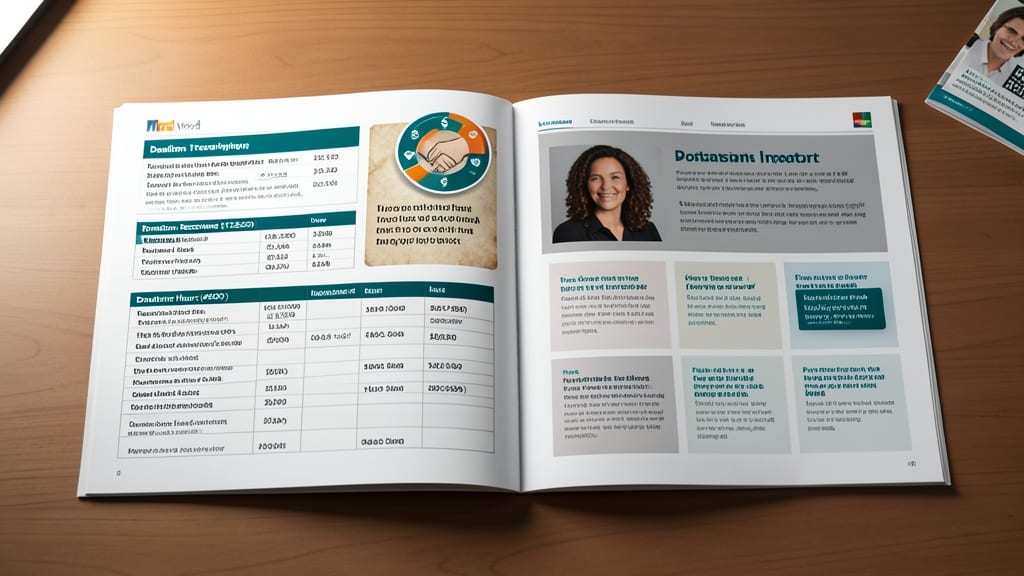
Nonprofits need newsletters that convert empathy into action—and this fundraising-focused template delivers. Built with donation tracking tables, volunteer spotlight sections, and impact metrics, it transforms goodwill into measurable results while keeping donors engaged.
The high-contrast color scheme (think warm oranges and teal accents) ensures your ‘Donate Now’ buttons stand out, while pre-formatted sections let you highlight success stories and upcoming campaigns. No design skills? No problem—just drop in your organization’s logo, update the progress bars, and watch contributions grow.
Perfect for animal shelters, charities, and community groups looking to boost engagement and donations with every send. ✨
Event Promotion Newsletter Template
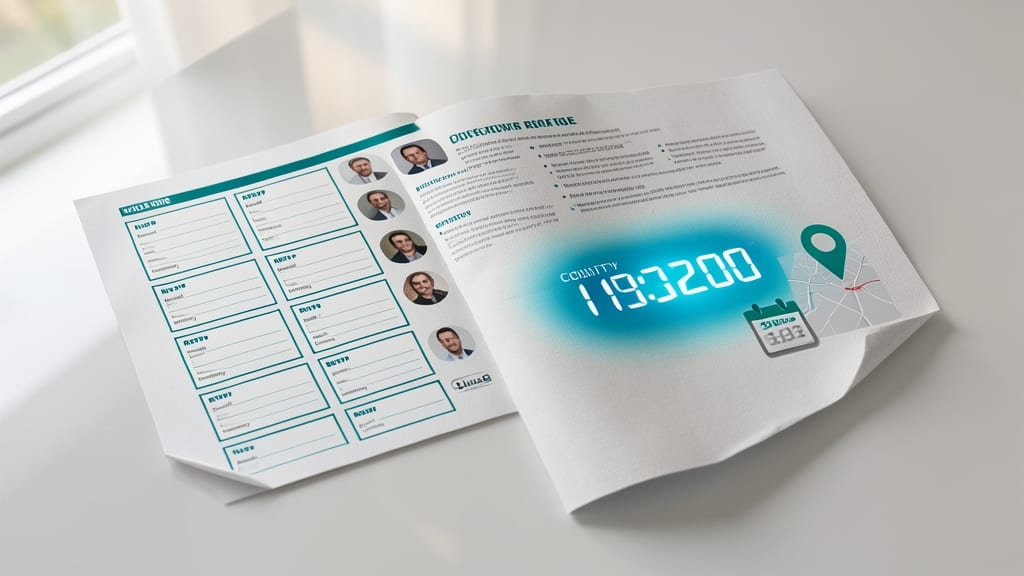
If you’re planning a conference, webinar, or workshop, this event promotion template does the heavy lifting for you. Built specifically for marketers, it includes pre-formatted RSVP forms, speaker bio sections, and countdown timers—all designed to drive registrations and engagement.
The template features dedicated placeholders for event logos, social media handles, and a bold "Register Now" button to highlight your call-to-action. The alternating content blocks keep readers engaged, while the timeline graphic helps visualize the event schedule at a glance. Customize colors and fonts in minutes to match your brand.
Perfect for event organizers, PR teams, or small businesses hosting workshops, this template turns complex promotions into a simple, visually compelling design. ✨
Two-Column Classic Newsletter Format
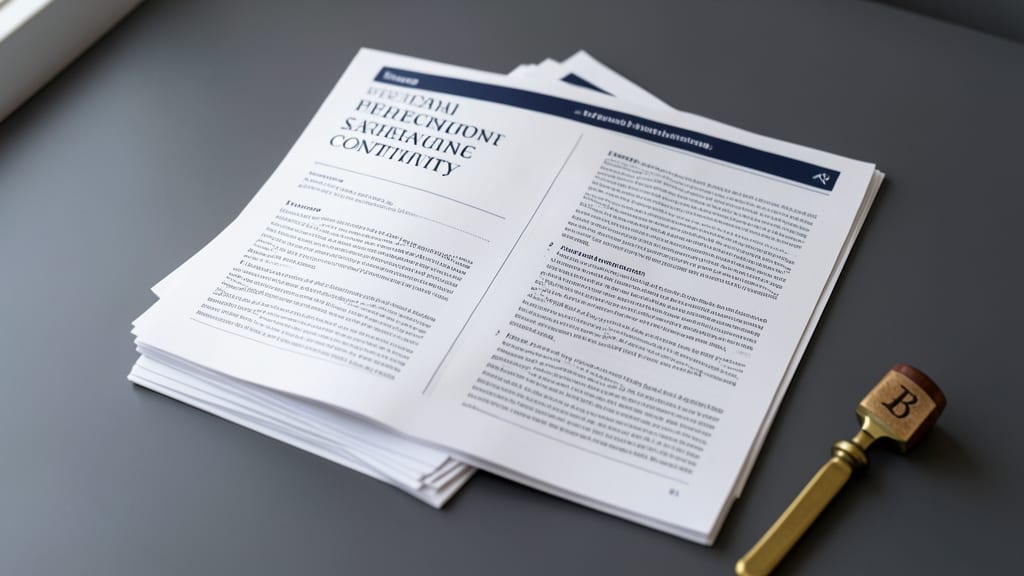
If your brand thrives on tradition and professionalism, this two-column classic newsletter format delivers polished consistency without sacrificing flexibility. The balanced layout ensures visual harmony while keeping content organized—ideal for businesses that prioritize brand continuity across communications.
Every element is pre-sized for efficiency: headers and footers align perfectly, image placeholders maintain proportions, and the left/right column structure guides readers naturally. The template includes professional typography (serif headers, sans-serif body) and space for logos, making it effortless to reinforce your brand identity.
Perfect for corporate updates, annual reports, or client newsletters where structure matters as much as content. Your audience will recognize the reliability of a classic design—without the design work. ✨
Seasonal Holiday Newsletter Template
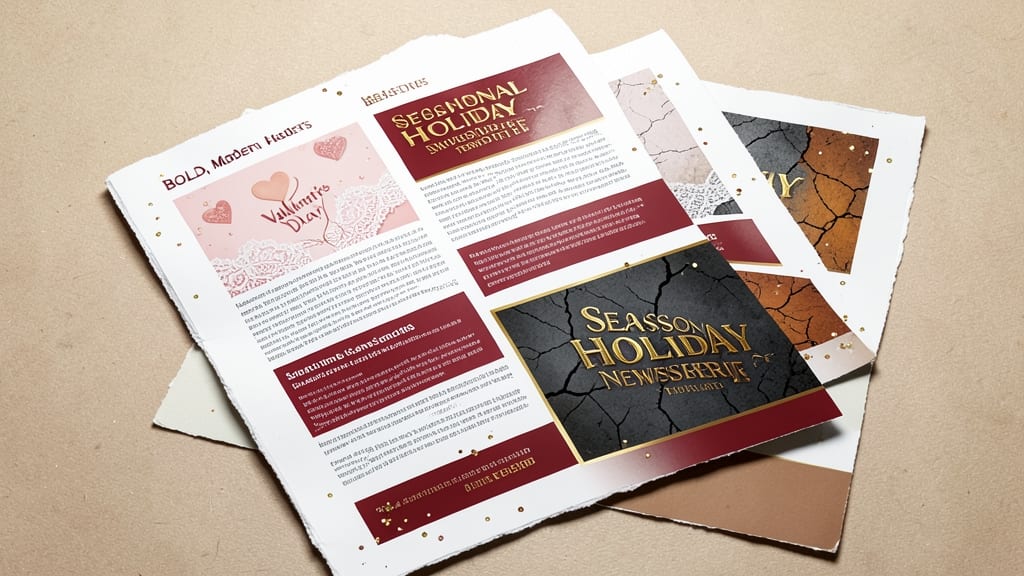
Tired of generic newsletters that feel like they were sent in January? This Seasonal Holiday Newsletter Template transforms your Word document into a festive masterpiece with minimal effort. Swap out the red and gold color schemes for any holiday—think Valentine’s Day pinks, Halloween blacks, or even summer sale blues—with just a few clicks.
The template includes pre-sized sections for discount codes, gift guides, and countdown calendars, so you can highlight promotions without redesigning layouts. Placeholder graphics for gift boxes, snowflakes, or fireworks ensure visual appeal, while customizable text boxes let you add your brand’s voice effortlessly.
Perfect for e-commerce stores, subscription boxes, or local businesses hosting seasonal events. Whether you’re promoting Black Friday deals or a summer sale, this template adapts to any celebration—no design skills required. ✨
Tech Company Software Update Newsletter
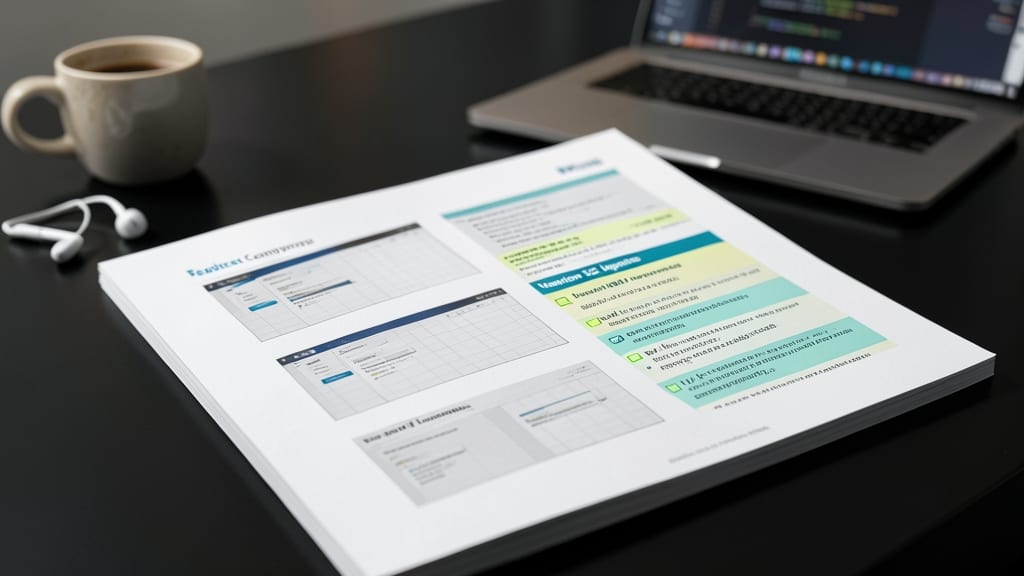
If you're a tech company struggling to keep developers, engineers, and stakeholders aligned on software updates, this template simplifies the process. Designed specifically for tech businesses, it includes pre-sized screenshot placeholders and feature comparison tables to highlight new releases clearly.
The dark-themed code snippets ensure readability for technical audiences, while light backgrounds keep the design clean and professional. You’ll also find release notes sections and version tracking tables, making it easy to document changes and improvements without starting from scratch.
Perfect for SaaS companies, app developers, or IT teams, this template helps you communicate updates efficiently—whether you're announcing a new feature or fixing a bug. ✨
One-Page Quick Newsletter Template
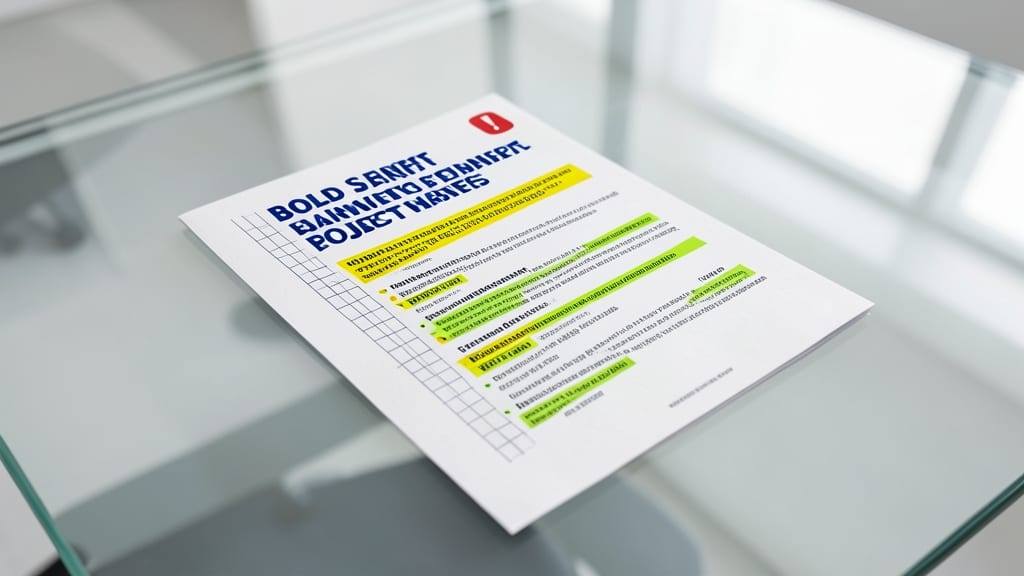
When your team needs urgent updates—like a last-minute project shift or a critical policy change—speed matters. This one-page quick newsletter template cuts through the noise with a single-page layout designed for scannability and instant action.
Built with bold headers, highlighted bullet points, and a prominent call-to-action box, it ensures key messages stand out without distractions. The minimalist design eliminates fluff, so you can draft, share, and act in minutes—no multi-page formatting required.
Perfect for internal communications, emergency announcements, or time-sensitive team briefings, this template keeps everyone aligned without the hassle of complex layouts. ⚡
Healthcare Industry Newsletter Design
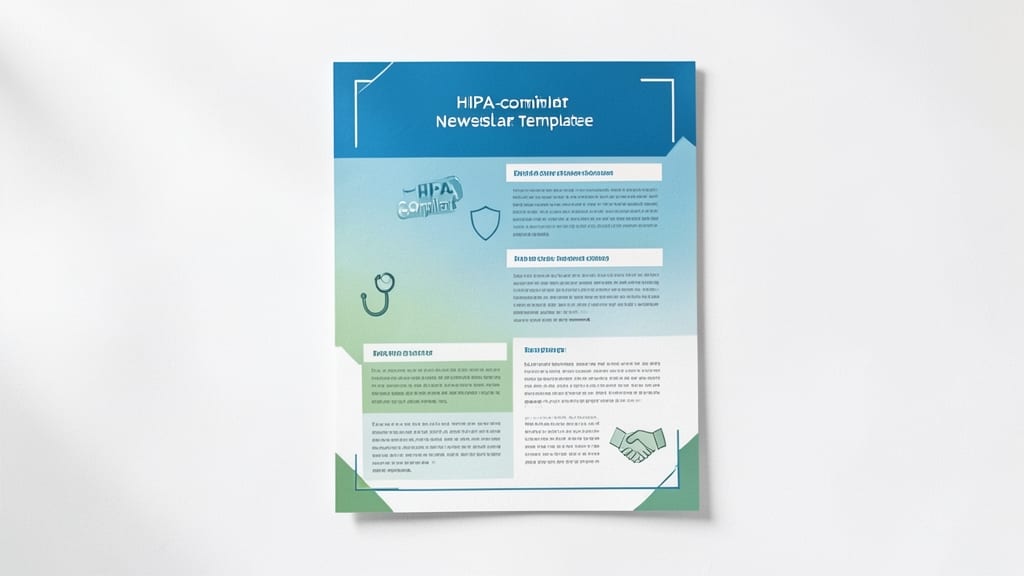
Trust is everything in healthcare communications—and this HIPAA-compliant newsletter template builds it from the first glance. Designed with calming blue and green color schemes, it avoids the sterile white-on-white look while ensuring readability and professionalism that patients and staff will appreciate.
The template includes dedicated sections for patient health updates, staff spotlights with professional headshot placeholders, and appointment reminder blocks with clear call-to-action buttons. Pre-sized image frames for medical icons or doctor photos ensure visual consistency, while the rounded-corner layout softens the clinical feel without sacrificing clarity.
Perfect for clinics, hospitals, or telehealth providers needing to balance compliance with approachability. The lightweight design also prints beautifully for physical mailings while maintaining digital accessibility. ✨
Interactive Newsletter with Hyperlinks
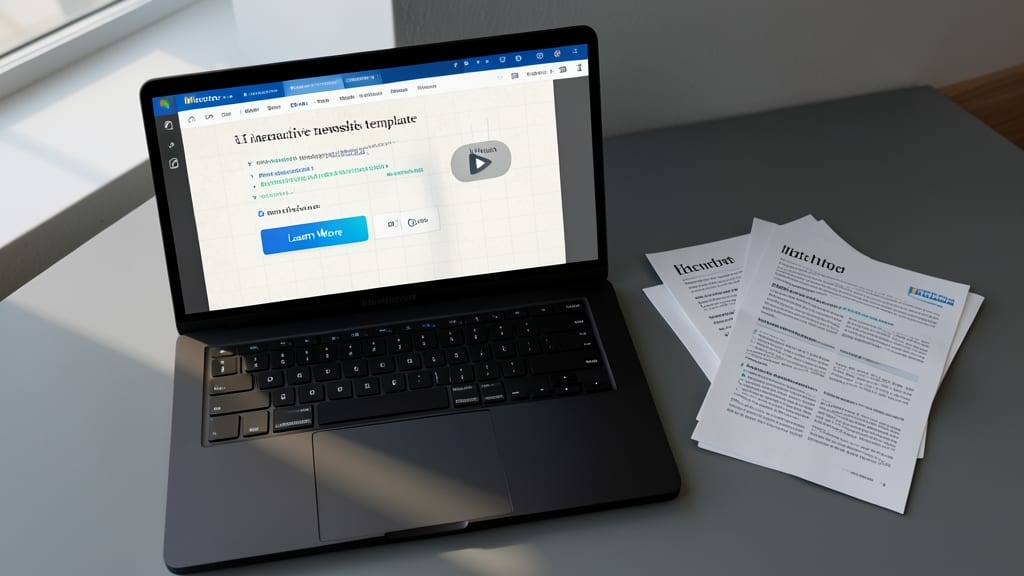
Tired of static newsletters that feel stuck in the past? This interactive template brings digital engagement to Microsoft Word with clickable hyperlinks and built-in buttons—no coding required.
Designed for seamless email-to-print workflows, it includes pre-formatted 'Learn More,' 'Watch Video,' and 'Download Guide' buttons that convert to hyperlinks when exported. The layout supports embedded media frames, ensuring your content stays dynamic whether shared digitally or printed. Perfect for teams needing both online and offline distribution.
Ideal for digital marketers, product teams, or educators who want to turn their Word documents into interactive experiences without switching platforms. ⚡